 Jotform
Medical Consent Form Template
Consent to medical treatment with patient details, condition or procedure, provider, a consent statement and checkbox, and a dated patient or guardian signature.
Available online on
Download as
- Free PDF and Word downloads for offline use
- Fillable fields you can customize for your business
- Share a link or print copies for in-person sign-ups
- Ready-made online forms on popular form builders
Last updated July 18, 2026. Reviewed by the Online Signature Forms team.
About this template
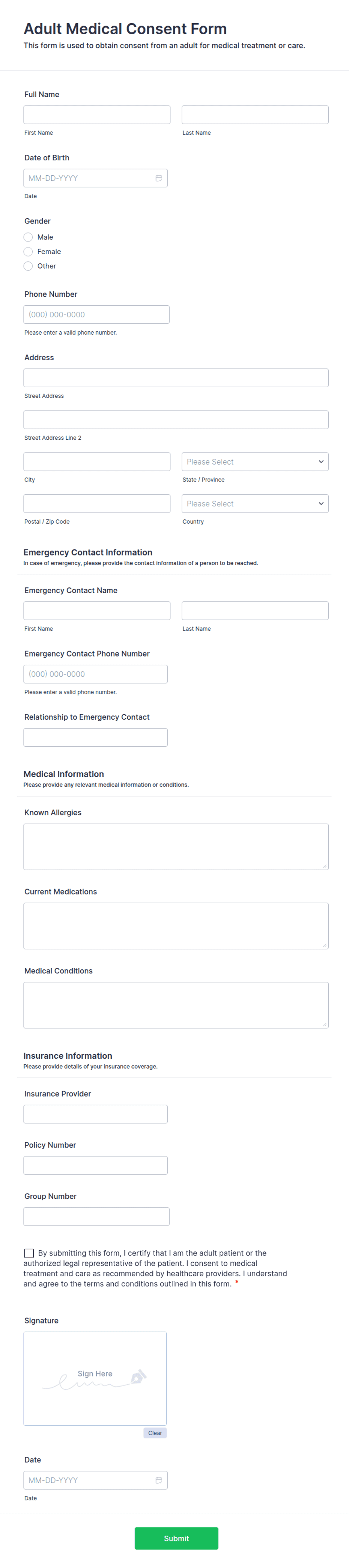
A Medical Consent Form records that a patient — or a parent or guardian acting on their behalf — understands and agrees to a specific treatment, procedure, or course of care. Clinics, dentists, therapists, urgent-care centers, schools, and camps all use one so there is a signed record that consent was given before care begins. Typical fields include the patient name and date of birth, the condition or procedure being treated, the provider's name, a plain-language consent statement, and a dated signature line for the patient or the guardian of a minor.
The signature is the entire purpose of the document: it turns a verbal "go ahead" into a dated record both sides can rely on. This layout keeps the treatment details readable, places a clear acknowledgment checkbox above the signature, and adds a separate guardian section so a parent can sign for a minor. To be clear, this is a general-purpose layout with the sections most consent forms need — not legal or medical advice. Have the appropriate professional, such as your clinic's compliance lead or attorney, review the wording before you rely on it.
How teams use this form
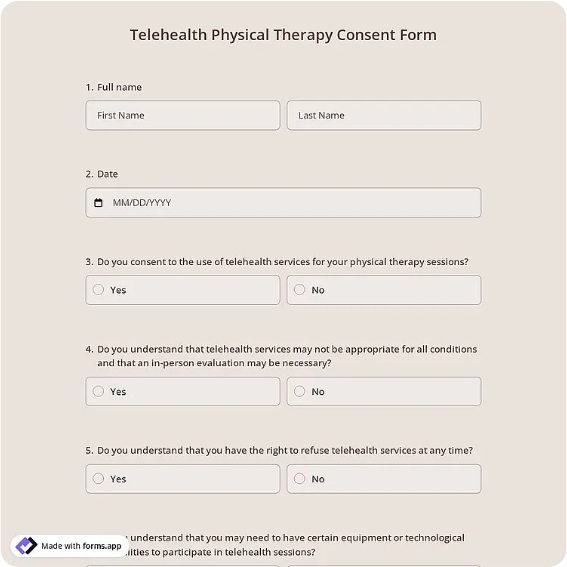
A dental office hands the form to each new patient before a filling or extraction so the chart shows informed consent. A physical-therapy clinic uses it before starting a treatment plan and keeps the signed copy in the patient file. A summer camp collects one from every parent so staff can authorize first aid or a clinic visit while the child is away from home. The common thread: care does not start until the form is signed and dated.
Customize the statement before signing
Open the Word (DOCX) download to rewrite the consent statement for your specialty, name the exact procedure, and add any risk disclosures or aftercare instructions your practice requires. Add your clinic name and logo, and adjust the guardian section if you only ever treat adults. The fillable PDF suits signing on paper or on a device without changing the layout — keep the checkbox and signature block intact so the finished form is complete.
Common mistakes to avoid
Do not leave the procedure vague — "treatment as needed" is far weaker than naming the specific procedure and provider. Do not skip the date; consent is tied to a moment in time. And for any patient under 18, do not let them sign for themselves — a parent or legal guardian completes the guardian section. Give the patient a copy so they leave with a record of what they agreed to.
Example scenario
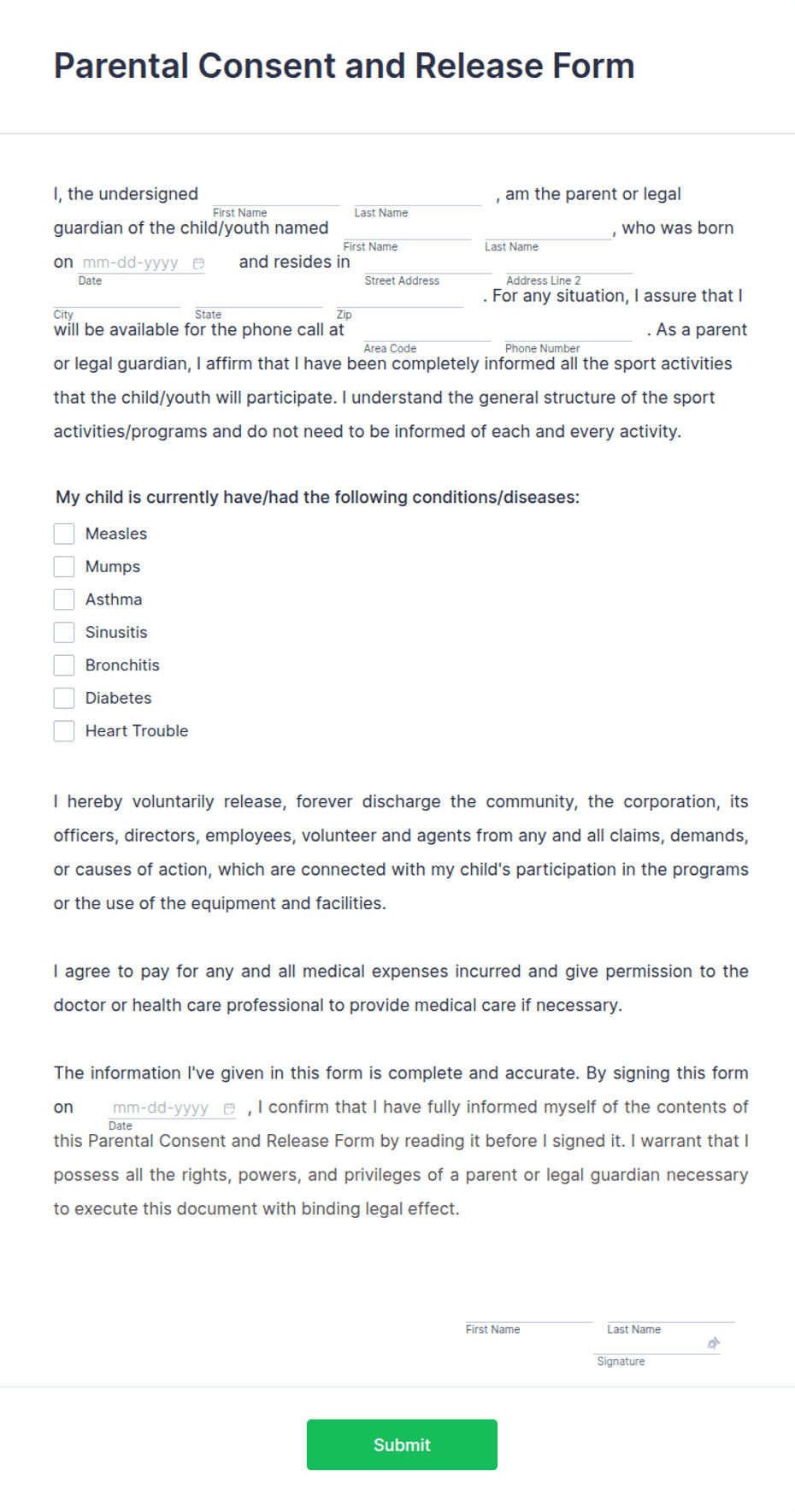
A 15-year-old needs a wisdom-tooth extraction. At the consultation the dentist explains the procedure and the risks, the parent reads the consent statement, ticks the acknowledgment box, and signs the guardian line with the date and their relationship to the patient. The office scans the form into the patient's chart, and the parent keeps a copy. If a question comes up later about what was authorized, the signed form answers it.
Choosing PDF or Word
This page provides a printable fillable PDF and an editable Word (DOCX) file. Use the Word file when you need to change the consent wording, add procedure-specific risks, or drop the guardian section before printing, and the PDF when the text is set and you just need to fill and sign. Both include the acknowledgment checkbox and a dated signature block so the form is ready to use at the point of care.
Typical fields
- Patient name
- Date of birth
- Condition or procedure
- Treating provider / clinic
- Consent statement and acknowledgment checkbox
- Parent or guardian name (for minors)
- Relationship to patient
- Patient or guardian signature and date
Best for
- Clinics, dental, and therapy practices
- Urgent care and walk-in visits
- Schools, camps, and youth programs
- Authorizing treatment for a minor
When to use PDF vs online
Use the PDF or Word download for in-person sign-ups, fax, or email attachments. Choose an online form when you need automatic notifications, payment integrations, or a shareable link for customers.