 Jotform
Direct Deposit Authorization Form Template
Let an employee authorize payroll direct deposit with bank name, routing and account numbers, account type, deposit amount or percentage, and a dated signature.
Available online on
Download as
- Free PDF and Word downloads for offline use
- Fillable fields you can customize for your business
- Share a link or print copies for in-person sign-ups
- Ready-made online forms on popular form builders
Last updated July 18, 2026. Reviewed by the Online Signature Forms team.
About this template
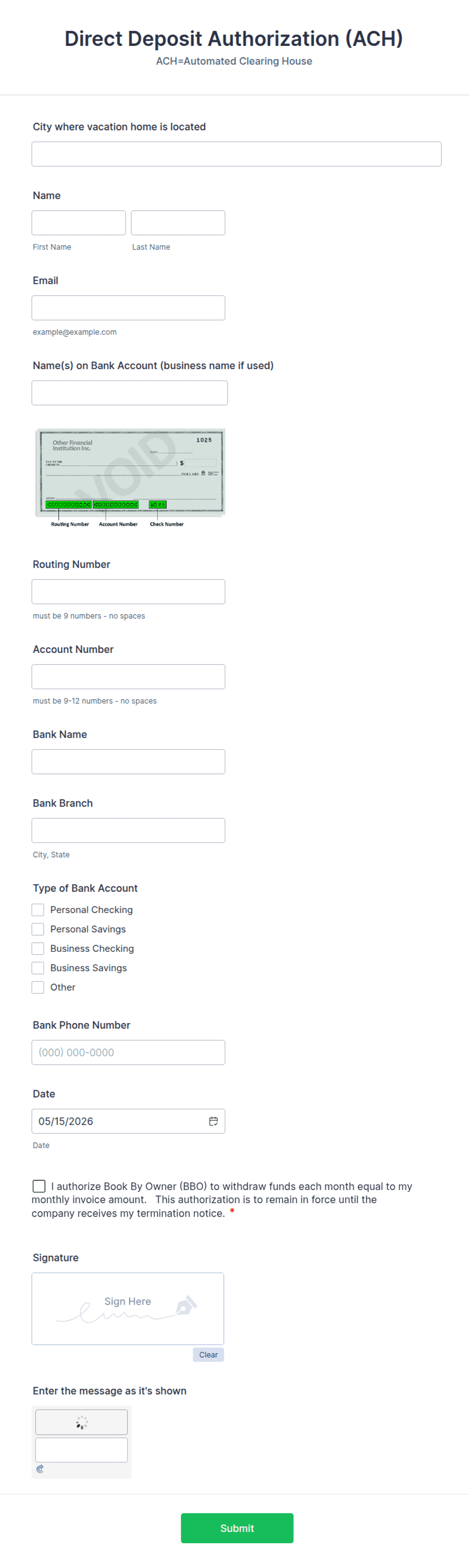
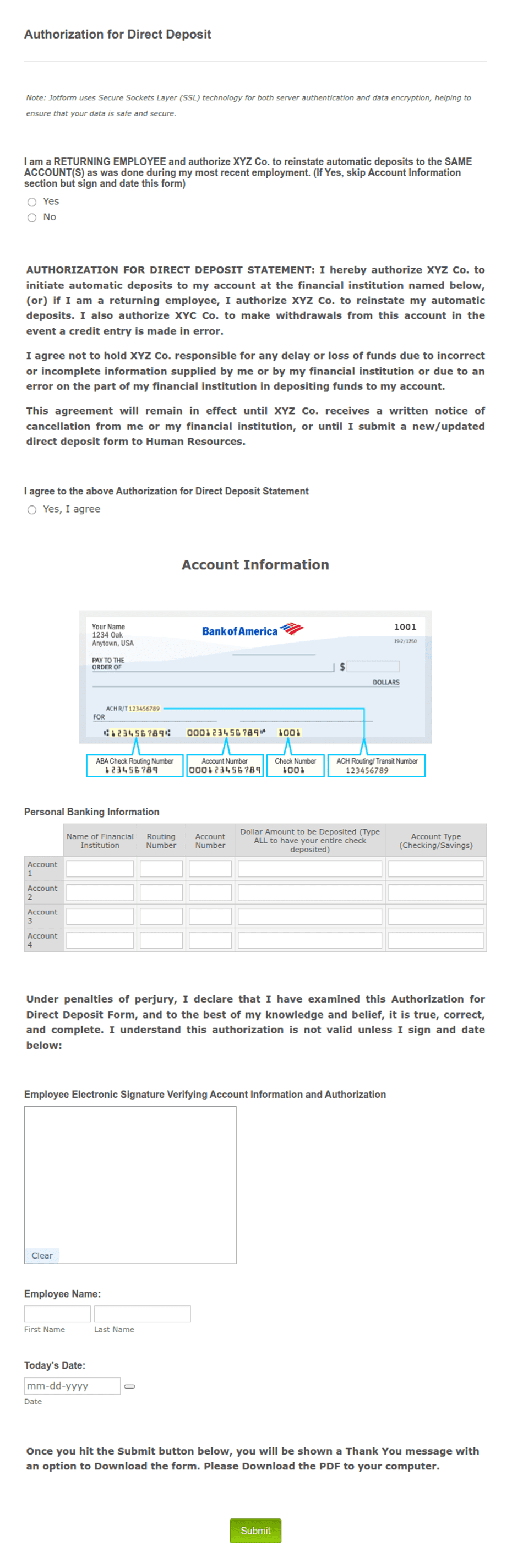
A Direct Deposit Authorization Form is how an employee tells payroll to send their pay electronically into a bank account instead of cutting a paper check. Employers, HR teams, and payroll providers collect one whenever a new hire starts or an employee changes banks. The form gathers the employee's name, the bank name, the routing and account numbers, the account type, and how much of each paycheck should go where — then the employee signs and dates it to authorize the deposits.
The signature is what lets payroll act on the bank details with confidence. That is why this layout keeps the account fields in a clean, tabular block and places an authorization statement, a consent checkbox, and a dated signature line right at the end. This is a general-purpose layout with the fields most payroll teams need — not legal, tax, or banking advice. Confirm what your payroll processor and bank require before you rely on it.
How teams use this form
An HR coordinator includes the form in every new-hire packet so pay is set up before the first cycle. A small business owner running payroll manually keeps a signed copy per employee and updates it whenever someone switches banks. An employee splitting pay between checking and savings fills in a percentage for each account. The constant is the signature: payroll does not change where money lands without one.
Customize the fields before signing
Open the Word (DOCX) download to fit your payroll. Add your company name and logo, decide whether you allow splitting a paycheck across multiple accounts, and choose between a fixed dollar amount and a percentage. Ask the employee to attach a voided check if your bank needs one to verify the account. The fillable PDF is ready to complete on paper or on screen; keep the authorization statement and signature block intact.
Handle sensitive data carefully
Routing and account numbers are sensitive, so protect every signed form. Store it in a secure HR file, limit access to payroll staff, and never send account details over unencrypted email. Include a note that the authorization stays in effect until the employee cancels it in writing, so both sides know how to stop or change a deposit. Shred or securely delete outdated forms once a new one replaces them.
Example scenario
A new marketing assistant joins a 20-person company. On day one she completes the form: employee name, bank name, routing and account numbers, checking account, 100 percent of net pay. She reads the authorization statement, ticks the consent box, signs, and dates it, and attaches a voided check. Payroll sets up the deposit and her first paycheck lands automatically. When she later opens a savings account, she submits a new form splitting 80 percent to checking and 20 percent to savings.
Choosing PDF or Word
This page provides a printable fillable PDF and an editable Word (DOCX) file. Use the Word file when you want to adjust the account rows, wording, or split options before printing, and the PDF when the setup is standard and the employee just needs to fill and sign. Both include the authorization statement, consent checkbox, and a dated signature block so payroll has a complete record.
Typical fields
- Employee name and employee ID
- Bank / financial institution name
- Routing number
- Account number
- Account type (checking / savings)
- Deposit amount or percentage per account
- Authorization statement and consent checkbox
- Employee signature and date
Best for
- New-hire payroll setup
- Employees changing banks
- Splitting pay across accounts
- Small businesses running payroll
When to use PDF vs online
Use the PDF or Word download for in-person sign-ups, fax, or email attachments. Choose an online form when you need automatic notifications, payment integrations, or a shareable link for customers.