 Jotform
Non-Disclosure Agreement (NDA) Template
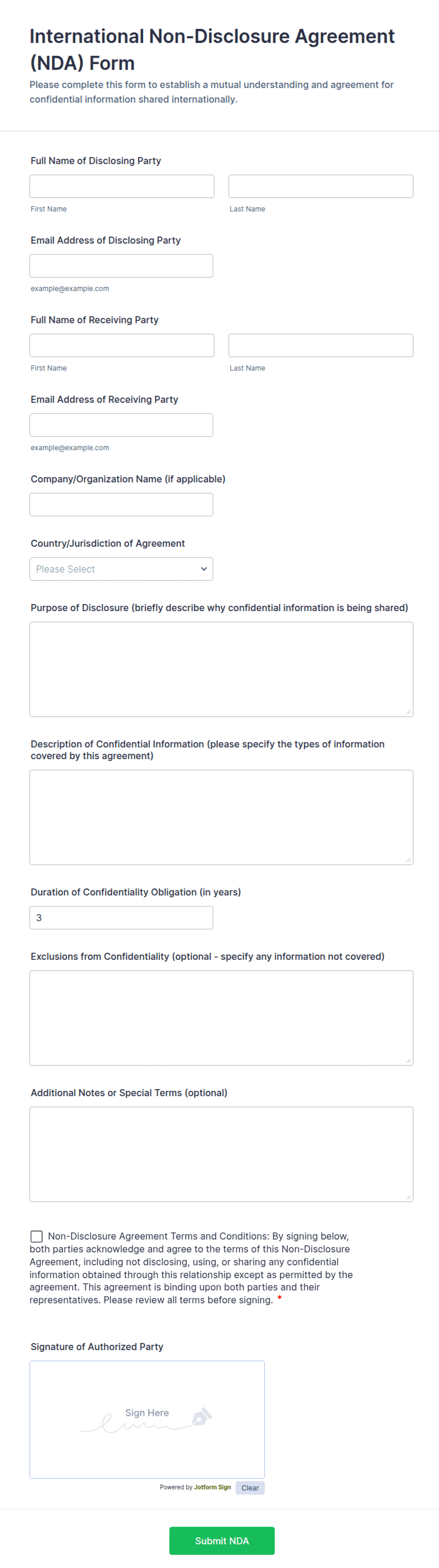
One-way non-disclosure agreement with disclosing and receiving parties, a definition of confidential information, permitted use, exclusions, term, and dated signatures.
Available online on
Download as
- Free PDF and Word downloads for offline use
- Fillable fields you can customize for your business
- Share a link or print copies for in-person sign-ups
- Ready-made online forms on popular form builders
Last updated July 18, 2026. Reviewed by the Online Signature Forms team.
About this template
A Non-Disclosure Agreement (NDA) is a signed promise to keep shared information secret. In a one-way NDA, one side — the disclosing party — hands over sensitive material, and the other side — the receiving party — agrees to protect it and use it only for an agreed purpose. Startups pitching investors, businesses evaluating a vendor, and founders talking to a prospective hire all reach for this document before the confidential details ever leave their hands. Typical fields include both party names and addresses, a clear definition of what counts as confidential, the permitted use, the exclusions, how long the duty lasts, and a dated signature block for each side.
The value of the NDA lives in its signature: an unsigned draft protects nothing, while a signed and dated copy creates a record both parties can rely on. That is why this layout keeps the definition and permitted-use language readable and places the two-party signature block at the very end, with signature, printed name, and date lines. To be clear, this is a general-purpose layout with the sections most one-way NDAs need — it is not legal advice. Confidentiality terms vary by state, so have an attorney review the wording before you rely on it for anything high-stakes.
How teams use this agreement
A software startup sends the NDA to a freelance developer before sharing its codebase and product roadmap. A manufacturer asks a potential supplier to sign before revealing its parts specifications. A small agency has a contractor sign before granting access to client account logins. The pattern is always the same: the disclosing party defines what is protected, sets how it may be used, and no sensitive material changes hands until the receiving party has signed and returned the document.
Define what is confidential before signing
The most important section is the definition of confidential information. Spell it out — product designs, financials, customer lists, source code, pricing, and anything marked "confidential" — rather than leaving it to interpretation. Then list the exclusions, such as information that is already public, was known before disclosure, or is independently developed. Open the Word (DOCX) download to edit these clauses, set the permitted purpose, and add your own return-of-materials and term language. The fillable PDF is ready to complete and sign on paper or a device.
Common mistakes to avoid
Do not leave the definition of confidential information vague — an overly broad or blank definition is hard to enforce. Do not forget the term: state how many years the obligation lasts and whether trade secrets are protected for longer. Do not skip the return-or-destroy clause covering what happens to the materials when the relationship ends. And remember that only the parties who sign and date the document are bound by it.
Example scenario
A founder is preparing to demo an unreleased app to a potential marketing partner. Before the meeting, the founder emails this NDA naming the company as the disclosing party and the partner as the receiving party, defines the app's features and metrics as confidential, sets a two-year term, and requires materials to be returned on request. Both sign and date two copies, and only then does the demo begin.
Choosing PDF or Word
This page offers a printable fillable PDF and an editable Word (DOCX) file. Use the Word file when you need to adjust the definition, permitted use, exclusions, or term before printing, and the PDF when the terms are settled and you just need to fill and sign. Both include a dated, two-party signature block so the NDA is ready to execute the moment both sides sign.
Typical fields
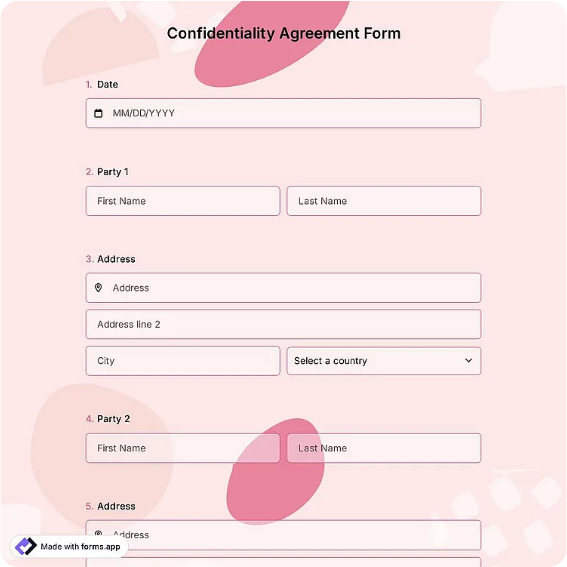
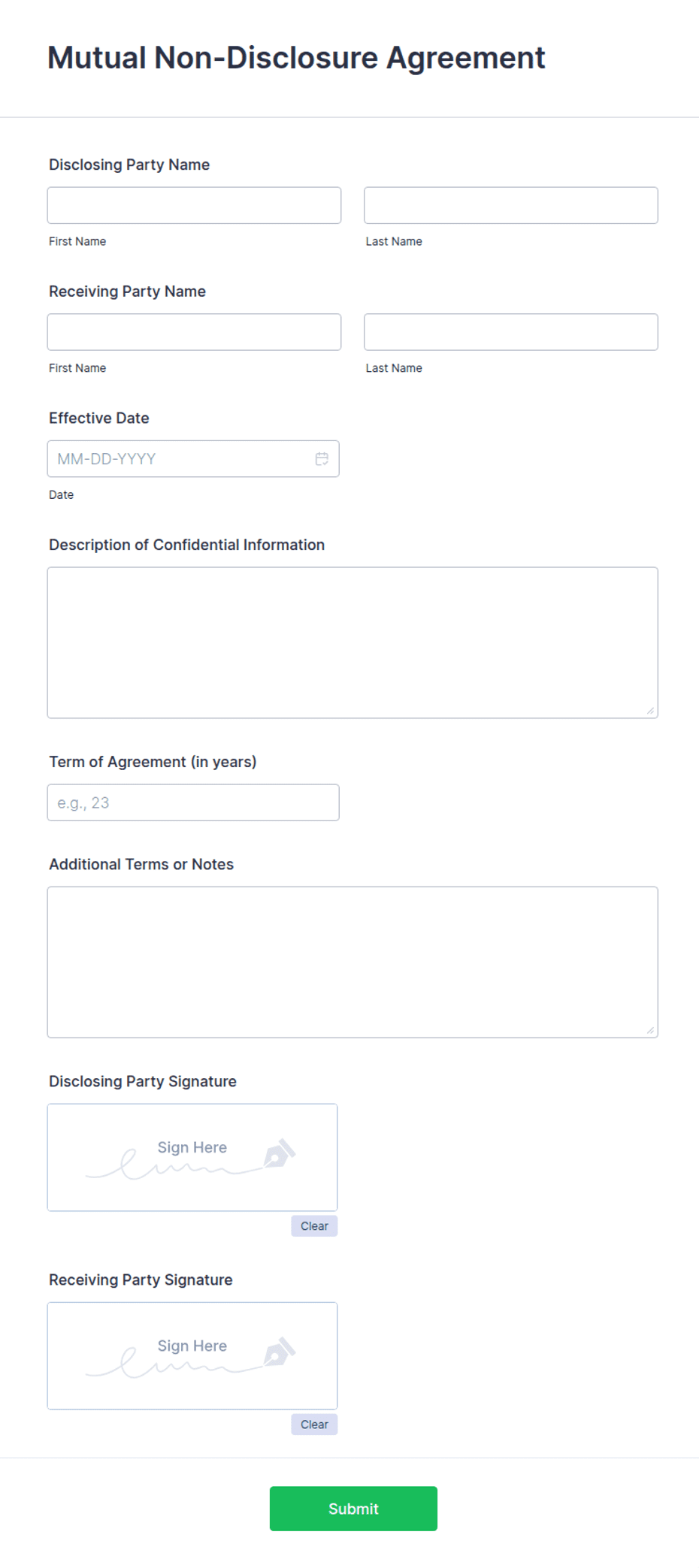
- Disclosing party name and address
- Receiving party name and address
- Definition of confidential information
- Permitted use / purpose
- Exclusions from confidential information
- Term / duration of obligation
- Return or destruction of materials
- Disclosing party signature, printed name, and date
- Receiving party signature, printed name, and date
Best for
- Startups sharing plans with investors or hires
- Businesses evaluating vendors or contractors
- Protecting product designs and source code
- Any one-way disclosure of sensitive information
When to use PDF vs online
Use the PDF or Word download for in-person sign-ups, fax, or email attachments. Choose an online form when you need automatic notifications, payment integrations, or a shareable link for customers.