 Jotform
Freelance Contract Template
Freelance contract with project scope, rate and payment milestones, deadlines, IP ownership, revisions, a kill fee, and a dated two-party signature block.
Available online on
Download as
- Free PDF and Word downloads for offline use
- Fillable fields you can customize for your business
- Share a link or print copies for in-person sign-ups
- Ready-made online forms on popular form builders
Last updated July 18, 2026. Reviewed by the Online Signature Forms team.
About this template
A freelance contract is the agreement a freelancer and a client sign before any work begins. It captures the things a friendly email chain always leaves fuzzy: exactly what will be delivered, how much it costs, when payment lands, who owns the finished work, and what happens if the project stops halfway. Writers, designers, developers, photographers, and marketers use one to protect both their time and their client relationship. Typical fields include both parties' details, the project scope and deliverables, the rate and payment milestones, deadlines, ownership of the work, a revision limit, and a kill fee for cancelled projects.
What makes a freelance contract work is that both sides sign it. A signature turns a hopeful pitch into a mutual commitment, so this layout keeps the scope and payment sections easy to read and puts a two-party signature block — signature, printed name, title, and date — right at the end. To be clear, this is a general-purpose layout with the sections most freelance projects need, not legal advice. Have an attorney review the wording before you rely on it for a large or high-risk engagement.
How freelancers use this contract
A freelance web developer sends the contract with the project quote so no code is written until it comes back signed. A copywriter attaches a milestone schedule — a deposit to book the slot, a payment at the outline stage, and the balance on final delivery — so cash flow stays predictable. A brand designer points to the revision clause when a client asks for a sixth round of logo tweaks, then bills the extra rounds at an hourly rate. The pattern is simple: agree the terms in writing, then get to the creative part.
Customize the terms before signing
Open the Word (DOCX) download to set your own rate, milestones, and revision count, and to adjust the intellectual-property clause. Many freelancers keep ownership of the work until the final invoice is paid, then transfer it on payment — spell that out here. Add a late-fee line, a kill fee that reflects the time you have reserved, and your usage or portfolio rights. The fillable PDF is best when the terms are settled and you just need to fill and sign on a device or on paper.
Common mistakes to avoid
Do not describe the scope as "a website" or "some graphics" — list the concrete deliverables so "done" is not a matter of opinion. Do not skip the milestone schedule; front-loading a deposit protects you if a client goes quiet. Do not forget the kill fee, which compensates you for the slot you held and the work already produced if a project is cancelled. And never start on a handshake alone — both parties sign and date before the first hour is billed.
Example scenario
A freelance illustrator agrees to produce twelve spot illustrations for a magazine. The contract lists the twelve deliverables, a 30 percent deposit, two rounds of revisions, and a kill fee equal to 40 percent of the fee if the project is cancelled after approval of the sketches. When the magazine pulls the feature after round one, the illustrator invoices the kill fee, keeps the deposit, and retains the rights to the finished pieces — all because both sides signed the terms up front.
Choosing PDF or Word
This page offers a printable fillable PDF and an editable Word (DOCX) file. Reach for the Word file when you want to rewrite the scope, milestones, or IP terms before printing, and the PDF when the deal is set and you just need signatures. Both include a dated, two-party signature block so the contract is ready to execute the moment it is filled in.
Typical fields
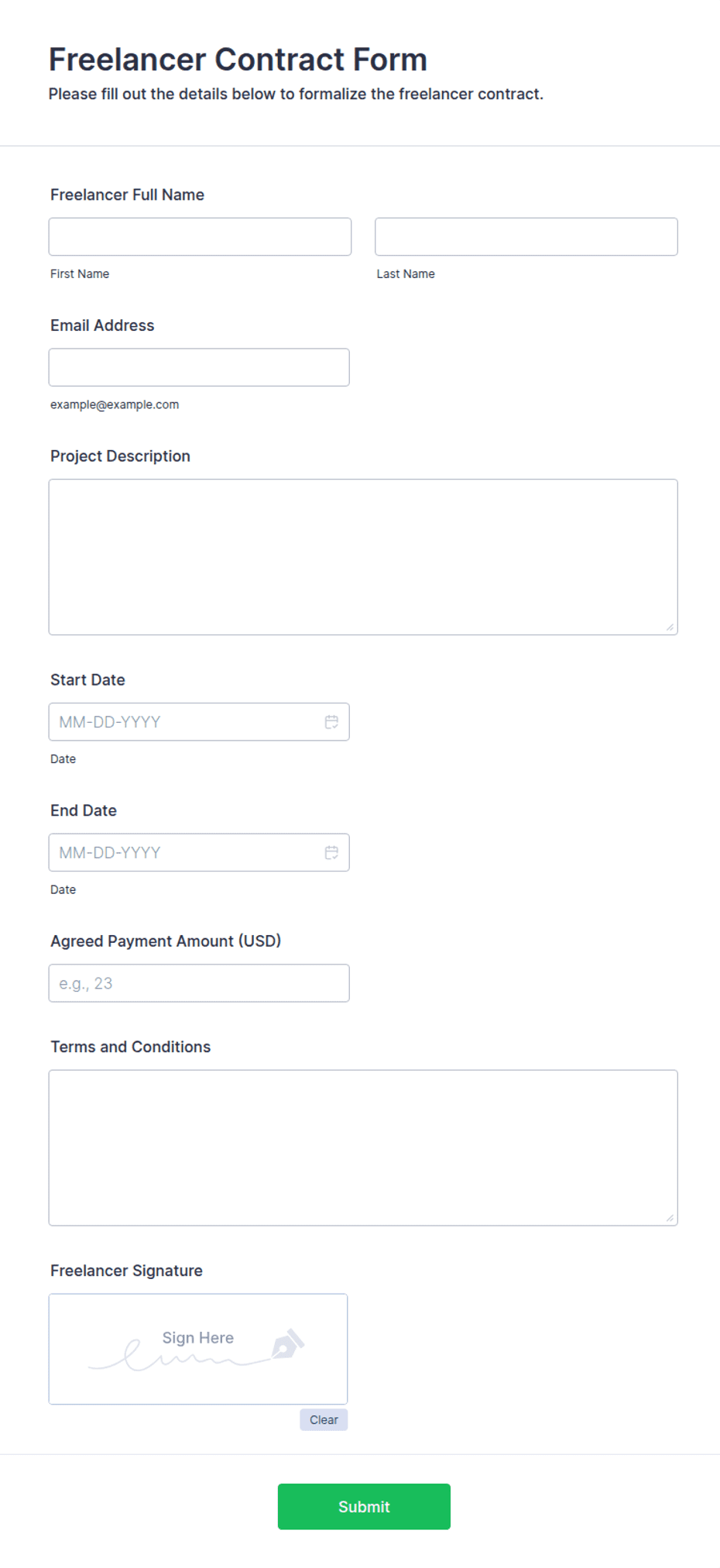
- Freelancer name and contact details
- Client name and contact details
- Project scope and deliverables
- Rate and payment milestones
- Project deadlines / delivery dates
- Ownership and intellectual property of the work
- Number of revisions included
- Kill fee / cancellation terms
- Freelancer signature, printed name, title, and date
- Client signature, printed name, title, and date
Best for
- Freelance designers, developers, and writers
- Photographers and videographers
- Marketing and creative consultants
- Any independent project between a freelancer and client
When to use PDF vs online
Use the PDF or Word download for in-person sign-ups, fax, or email attachments. Choose an online form when you need automatic notifications, payment integrations, or a shareable link for customers.