 Jotform
Independent Contractor Agreement Template
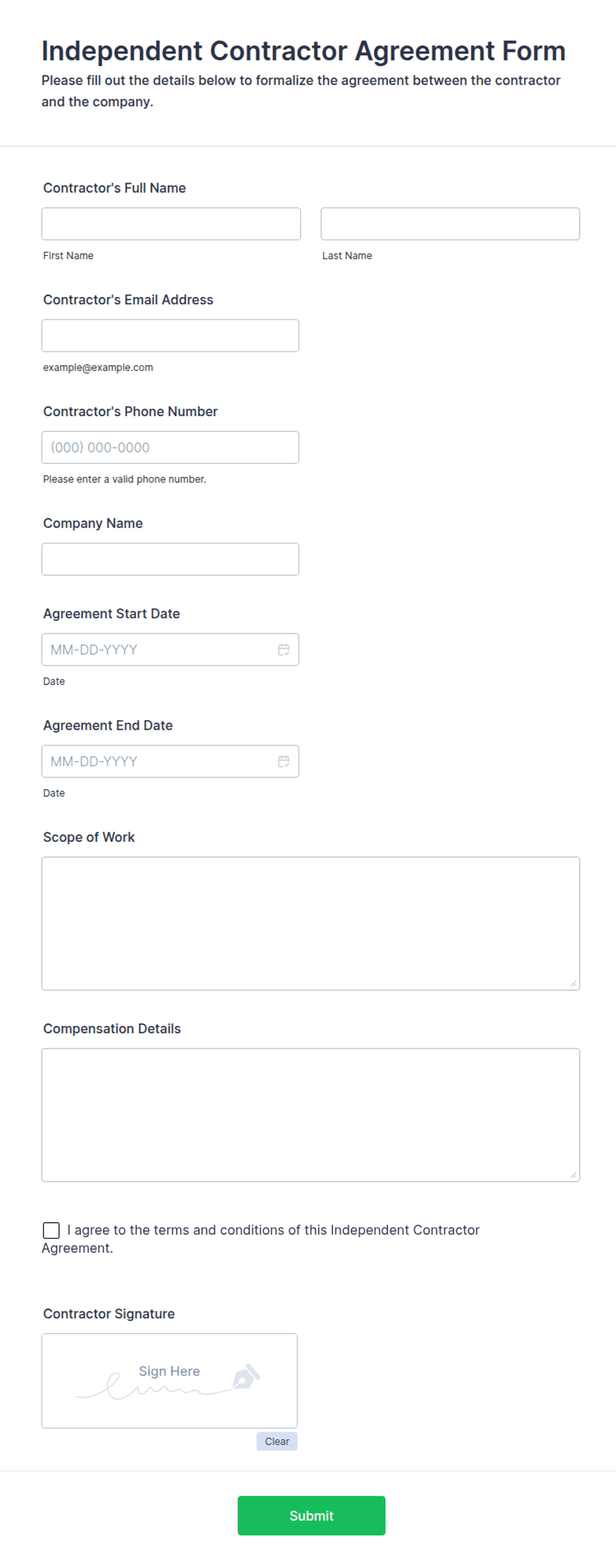
Independent contractor agreement covering services, compensation, contractor status, 1099 tax responsibility, confidentiality, term, and dual signatures.
Available online on
Download as
- Free PDF and Word downloads for offline use
- Fillable fields you can customize for your business
- Share a link or print copies for in-person sign-ups
- Ready-made online forms on popular form builders
Last updated July 18, 2026. Reviewed by the Online Signature Forms team.
About this template
An independent contractor agreement is the document a company and a contractor sign to confirm that the contractor is running their own business, not joining the payroll. It records the services to be performed, how much is paid, and — crucially — that the worker is an independent contractor rather than an employee. That single distinction affects taxes, benefits, and liability, which is why companies of every size use a written agreement instead of a verbal arrangement. Typical fields include the company and contractor details, a description of the services, the compensation terms, a statement of independent-contractor status, 1099 tax responsibility, confidentiality, the term, and a signature block for each party.
The agreement only does its job once both parties sign it, so this layout keeps the services and compensation sections clear and closes with a two-party signature block — signature, printed name, title, and date — for the company and the contractor. To be clear, this is a general-purpose layout with the sections most contractor arrangements need, not legal advice. Worker-classification rules vary by state and country and carry real penalties, so have an attorney review the wording before you use it.
How companies use this agreement
A startup hires a fractional designer for three months and uses the agreement to document that the designer sets their own hours, uses their own tools, and invoices for the work. An accounting firm engages a seasonal bookkeeper and relies on the status clause to keep the relationship a 1099 arrangement rather than W-2 employment. An agency brings on a subcontractor and points to the confidentiality section to protect client data. The common goal: define the relationship in writing before the first invoice.
Customize the terms before signing
Open the Word (DOCX) download to describe the services precisely, set the compensation and invoicing schedule, and tailor the confidentiality and termination clauses. Make sure the independent-contractor status language matches how the work actually happens — control over hours, tools, and methods all matter to classification. Confirm the contractor is responsible for their own taxes and will receive a 1099 where applicable. The fillable PDF is best once the terms are settled and you just need to fill and sign.
Common mistakes to avoid
Do not treat a contractor like an employee on paper while the agreement says otherwise — inconsistency is what regulators look for. Do not leave out the tax-responsibility line; the contractor, not the company, handles their own income and self-employment taxes. Do not skip confidentiality if the contractor will see sensitive data, and never let work begin before both parties sign and date. For companies, include the signer's title to show they had authority to bind the business.
Example scenario
A software company engages an independent developer to build an integration over six weeks. The agreement lists the deliverables, a fixed fee paid in two installments, a clause confirming the developer is a contractor responsible for their own taxes, and a mutual confidentiality obligation. When tax season arrives, the company issues a 1099, the developer files their own return, and neither side is surprised — because the status was spelled out and signed at the start.
Choosing PDF or Word
This page provides a printable fillable PDF and an editable Word (DOCX) file. Use the Word file when you need to adjust the services, compensation, or status language before printing, and the PDF when the terms are final and you just need signatures. Both include a dated, two-party signature block so the agreement is ready to execute.
Typical fields
- Company name and address
- Contractor name and address
- Description of services
- Compensation and payment terms
- Independent contractor status (not an employee)
- Tax responsibility / 1099
- Confidentiality obligations
- Term and termination
- Company signature, printed name, title, and date
- Contractor signature, printed name, title, and date
Best for
- Companies engaging 1099 contractors
- Startups hiring fractional or seasonal help
- Agencies working with subcontractors
- Any business defining a non-employee relationship
When to use PDF vs online
Use the PDF or Word download for in-person sign-ups, fax, or email attachments. Choose an online form when you need automatic notifications, payment integrations, or a shareable link for customers.