Jotform
Liability Waiver Form Template
Liability waiver with participant details, emergency contact, an assumption-of-risk and release statement with acknowledgment checkbox, and dated participant and guardian signatures.
Available online on
Download as
- Free PDF and Word downloads for offline use
- Fillable fields you can customize for your business
- Share a link or print copies for in-person sign-ups
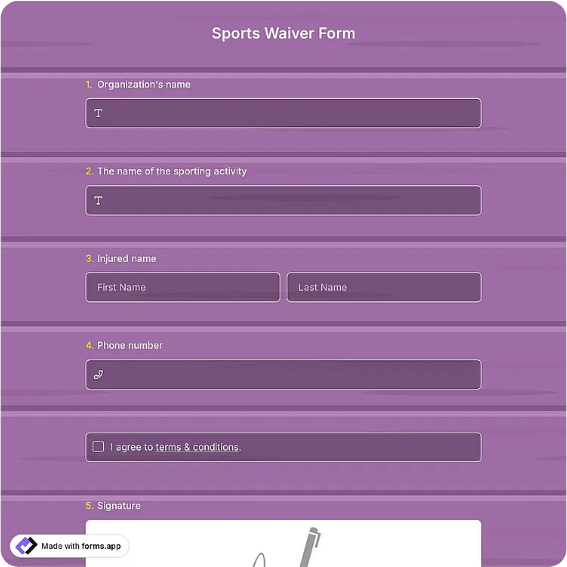
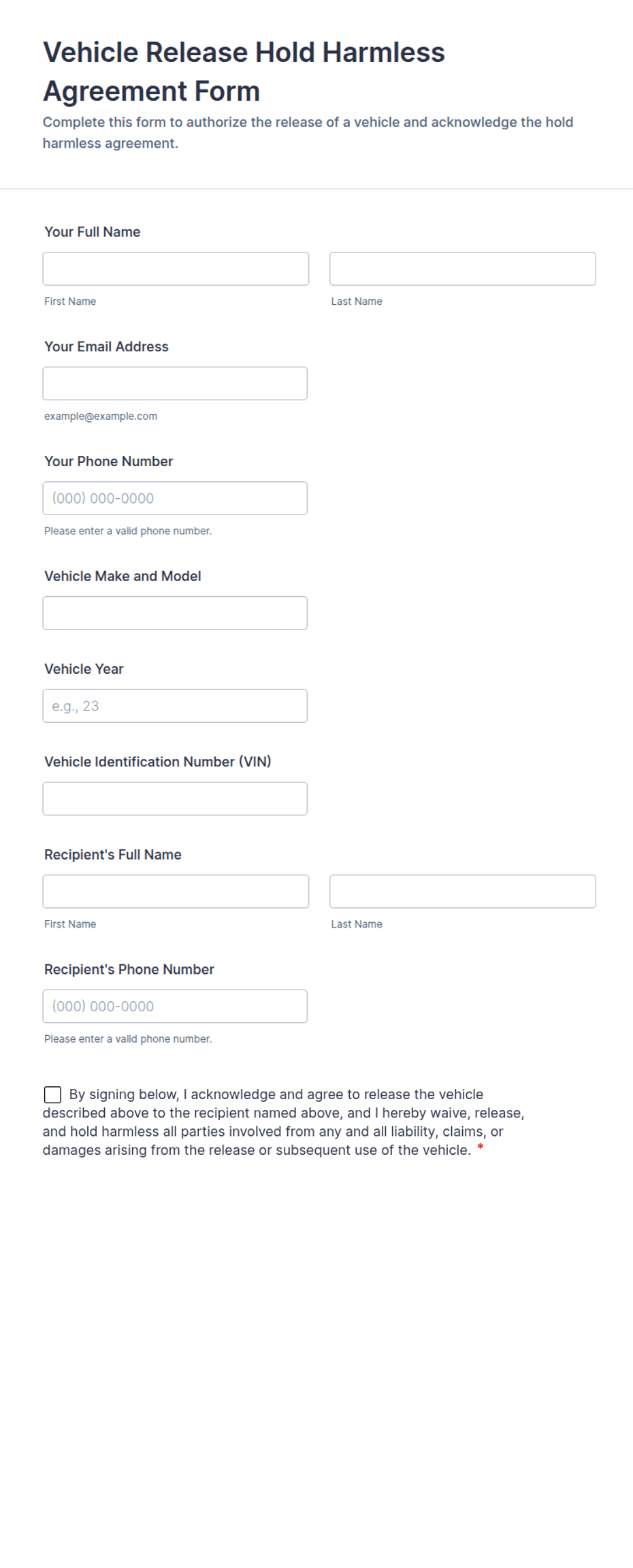
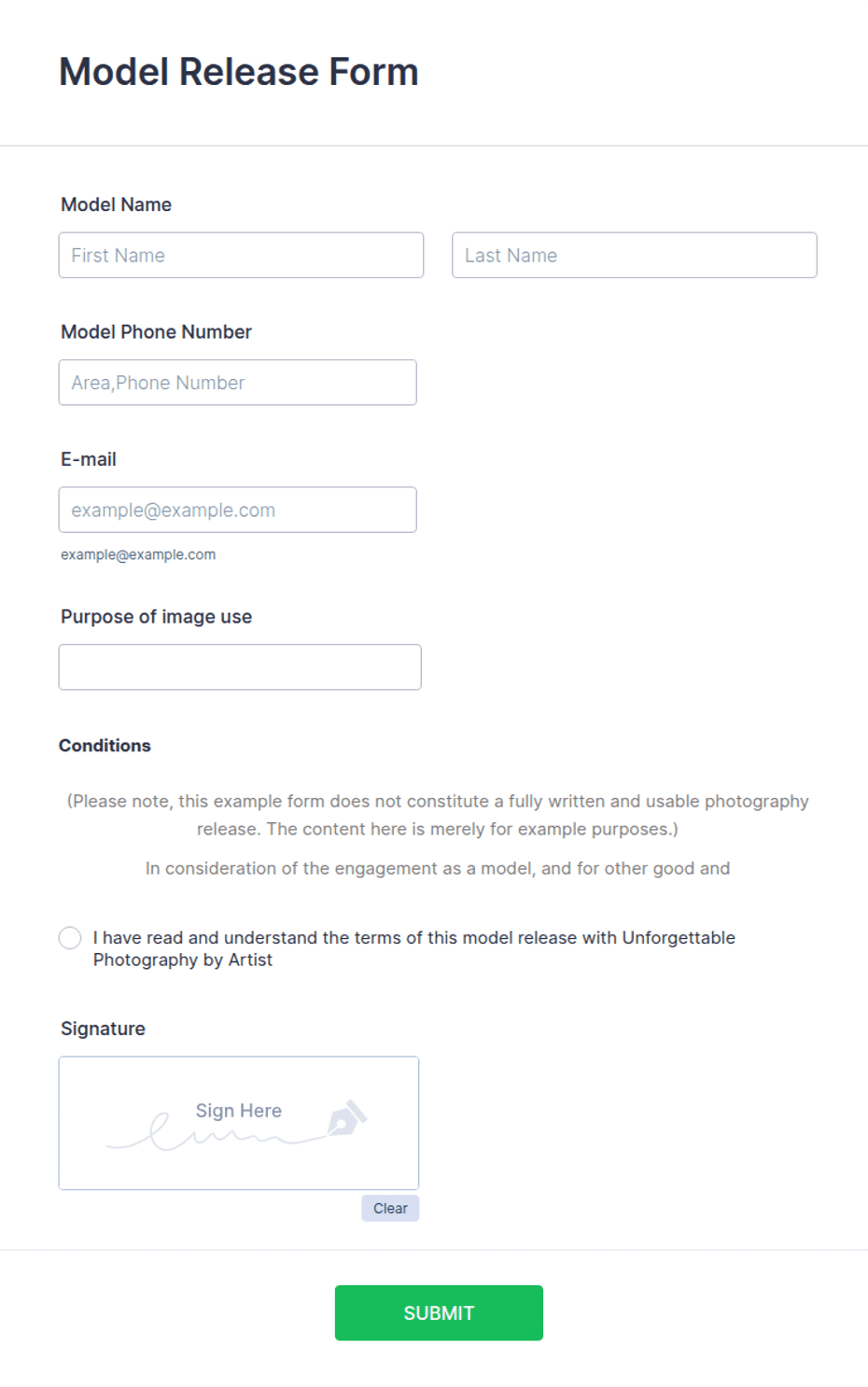
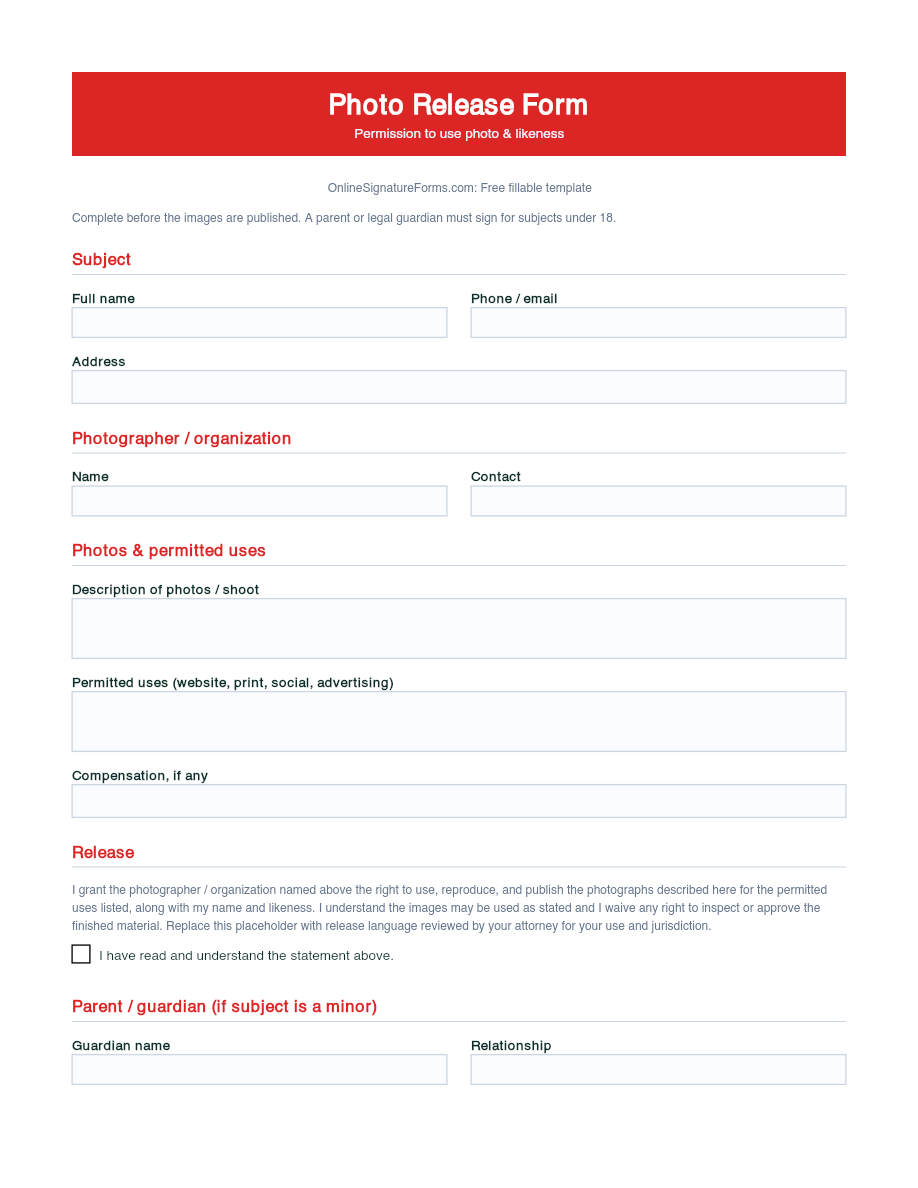
- Ready-made online forms on popular form builders
Last updated July 18, 2026. Reviewed by the Online Signature Forms team.
About this template
A Liability Waiver is a signed statement in which a participant acknowledges the risks of an activity and agrees to release the organizer from certain claims if they are injured. Gyms, climbing walls, trampoline parks, event organizers, tour operators, and volunteer coordinators use one so every participant reads the same risk language and signs before taking part. Typical fields include the participant's name, date of birth, and emergency contact, a description of the activity, the assumption-of-risk and release statement, an acknowledgment checkbox, and a dated signature — plus a guardian section when the participant is a minor.
The document only does its job if it is read and signed before the activity begins, which is why this layout puts the risk statement and its acknowledgment checkbox above the signature block. To be clear, this is a general-purpose layout with the sections most waivers include — not legal advice. Waiver enforceability varies widely by state, and courts treat waivers signed on behalf of minors very differently from those signed by adults, so have an attorney draft or review the release language for your activity and jurisdiction.
How teams use this form
A rock-climbing gym has every first-time visitor complete the waiver at check-in and keeps a signed copy on file for the season. A charity 5K collects one waiver per runner during packet pickup so nobody starts the race unsigned. A youth sports league sends the form home ahead of tryouts, with the guardian section completed for every athlete under 18. The common thread: no signed waiver, no participation.
Customize the statement before signing
Open the Word (DOCX) download to edit the risk and release wording, name your organization, and describe the specific activity and its hazards. Add any medical-treatment consent, insurance, or photo-use clauses your program needs, and adjust the guardian language to match how your state handles minors. The fillable PDF is ready to sign on paper or on a device; keep the acknowledgment checkbox and signature lines intact so the finished waiver is complete.
Common mistakes to avoid
Do not bury the release in tiny print — the risks should be plainly described so the signer genuinely understands them. Do not skip the emergency contact or the acknowledgment checkbox. And do not let a minor sign for themselves: a parent or legal guardian must complete the guardian section and sign. Collect the waiver before the activity, never after an injury has already happened.
Example scenario
A weekend kayaking outfitter runs guided river trips. Each guest fills in their details and emergency contact, reads the assumption-of-risk statement about currents and cold water, ticks the acknowledgment box, and signs. For a 15-year-old on the trip, a parent completes the guardian section and signs as well. The outfitter files the waivers and can show, if ever asked, that every participant was informed of the risks and agreed in writing.
Choosing PDF or Word
This page offers a printable fillable PDF and an editable Word (DOCX) file. Use the Word file when you need to rewrite the release language, add clauses, or tailor the activity description before printing, and the PDF when the wording is set and you just need participants to fill and sign. Both include the acknowledgment checkbox and dated participant and guardian signature lines so the waiver is ready to use.
Typical fields
- Participant name and date of birth
- Address and phone / email
- Emergency contact name and phone
- Activity or event description
- Assumption-of-risk and release statement
- Acknowledgment checkbox (I have read and understand)
- Guardian name and relationship (if participant is a minor)
- Participant signature and date
- Parent / guardian signature and date
Best for
- Gyms, climbing walls, and trampoline parks
- Races, tours, and adventure activities
- Youth sports leagues and camps
- Volunteer and community events
When to use PDF vs online
Use the PDF or Word download for in-person sign-ups, fax, or email attachments. Choose an online form when you need automatic notifications, payment integrations, or a shareable link for customers.