 Jotform
Model Release Form Template
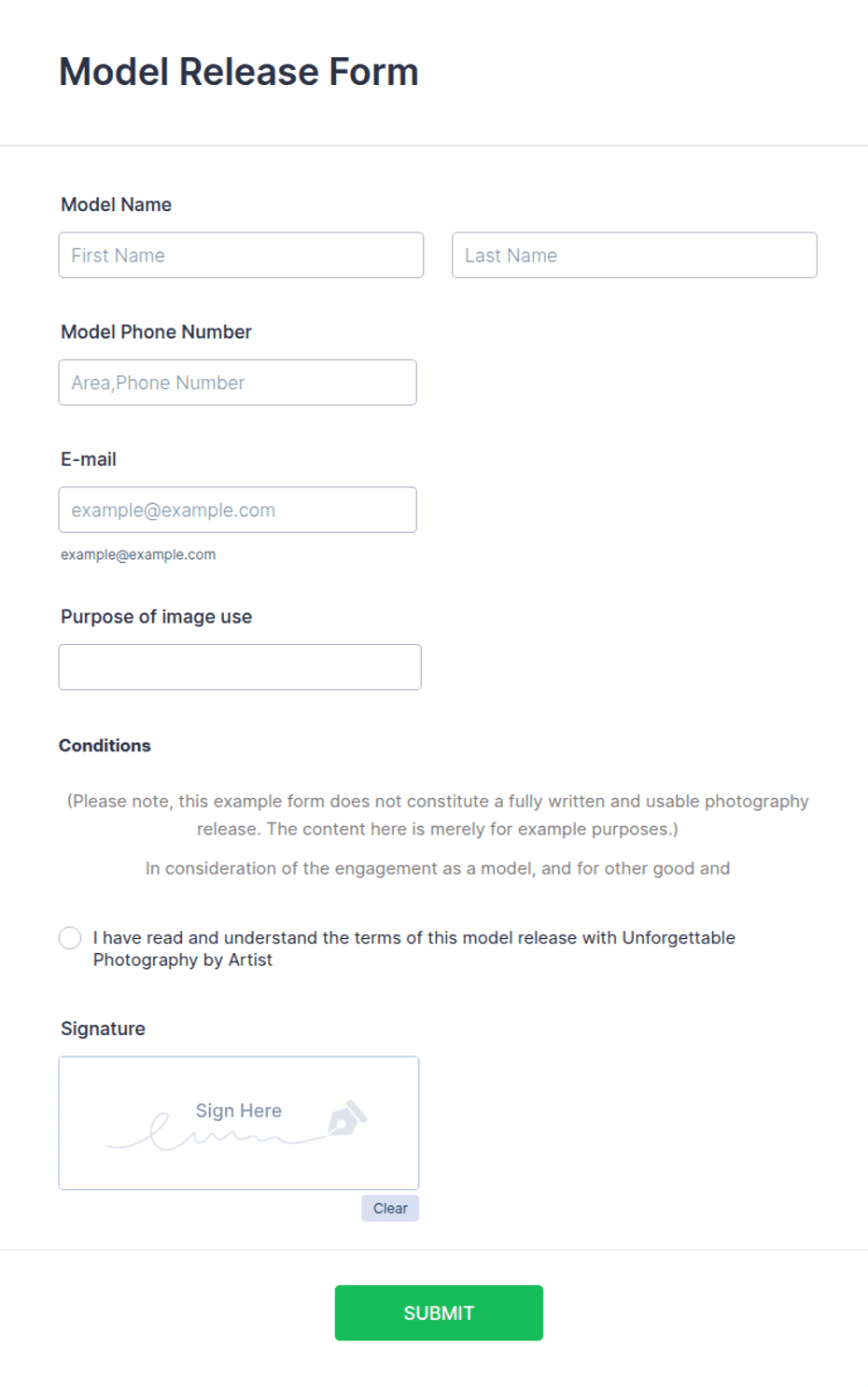
Model release granting usage rights to images, with model details, shoot description, permitted uses and territory, compensation, an acknowledgment checkbox, and dated signatures with a witness line.
Available online on
Download as
- Free PDF and Word downloads for offline use
- Fillable fields you can customize for your business
- Share a link or print copies for in-person sign-ups
- Ready-made online forms on popular form builders
Last updated July 18, 2026. Reviewed by the Online Signature Forms team.
About this template
A Model Release Form is a signed agreement in which a model grants a photographer, agency, or brand the right to use images from a shoot, including their name and likeness. Photographers, stock libraries, advertising agencies, and content studios use one so commercial images can be licensed and published with documented consent. Typical fields include the model's details, the shoot date and description, the permitted uses with any territory and duration, the compensation, the release statement, an acknowledgment checkbox, and a dated signature — plus a guardian row for minors and a witness line.
Because model images are often licensed commercially, the record of consent matters, so this layout places the permitted-uses and release statement above the signature block, with an acknowledgment checkbox and a witness line. To be clear, this is a general-purpose layout with the sections most model releases include — not legal advice. Publicity and image-rights rules vary by state, and consent for a minor works differently from an adult's, so have an attorney review the release wording before you rely on it for commercial licensing.
How teams use this form
A commercial photographer has every model sign a release at the end of a shoot so the images can be sold to clients. A stock agency requires a signed release for each recognizable person before it will accept photos into its library. A brand's content team collects releases from creators before running their images in ad campaigns. The common thread: no signed release, no commercial use.
Customize the statement before signing
Open the Word (DOCX) download to define the permitted uses precisely, set the territory (for example, worldwide or a specific country) and the duration, and note the compensation, whether a flat fee or a licensing arrangement. Add your studio name and logo, adjust the guardian language for minors, and keep the witness line if your workflow uses one. The fillable PDF is ready to sign on paper or on a device; keep the acknowledgment checkbox and signature lines intact so the release is complete.
Common mistakes to avoid
Do not leave the permitted uses, territory, or duration blank — vague grants create licensing headaches later. Do not forget to record the compensation, even if it is a nominal amount. And do not let a minor sign for themselves: a parent or legal guardian must complete the guardian row and sign. Collect the release at or before the shoot, not after the images are already in use.
Example scenario
A studio shoots a lifestyle campaign with a hired model. At the wrap, the model fills in their details, reviews the permitted uses (worldwide digital and print advertising for two years), notes the agreed day rate as compensation, ticks the acknowledgment box, and signs, with an assistant signing the witness line. The studio keeps the release so the client can license the images with confidence.
Choosing PDF or Word
This page provides a printable fillable PDF and an editable Word (DOCX) file. Use the Word file when you need to spell out the uses, territory, duration, or compensation before printing, and the PDF when the terms are set and you just need the model to fill and sign. Both include the acknowledgment checkbox, a guardian row for minors, and dated signature and witness lines so the release is ready to use.
Typical fields
- Model name and contact details
- Shoot date and description
- Permitted uses, territory, and duration
- Compensation
- Photographer / agency receiving rights
- Release statement
- Acknowledgment checkbox (I grant usage rights)
- Guardian name and relationship (if model is a minor)
- Model signature and date
- Witness signature and date
Best for
- Commercial and fashion photographers
- Stock photo libraries
- Advertising and content agencies
- Brands licensing creator images
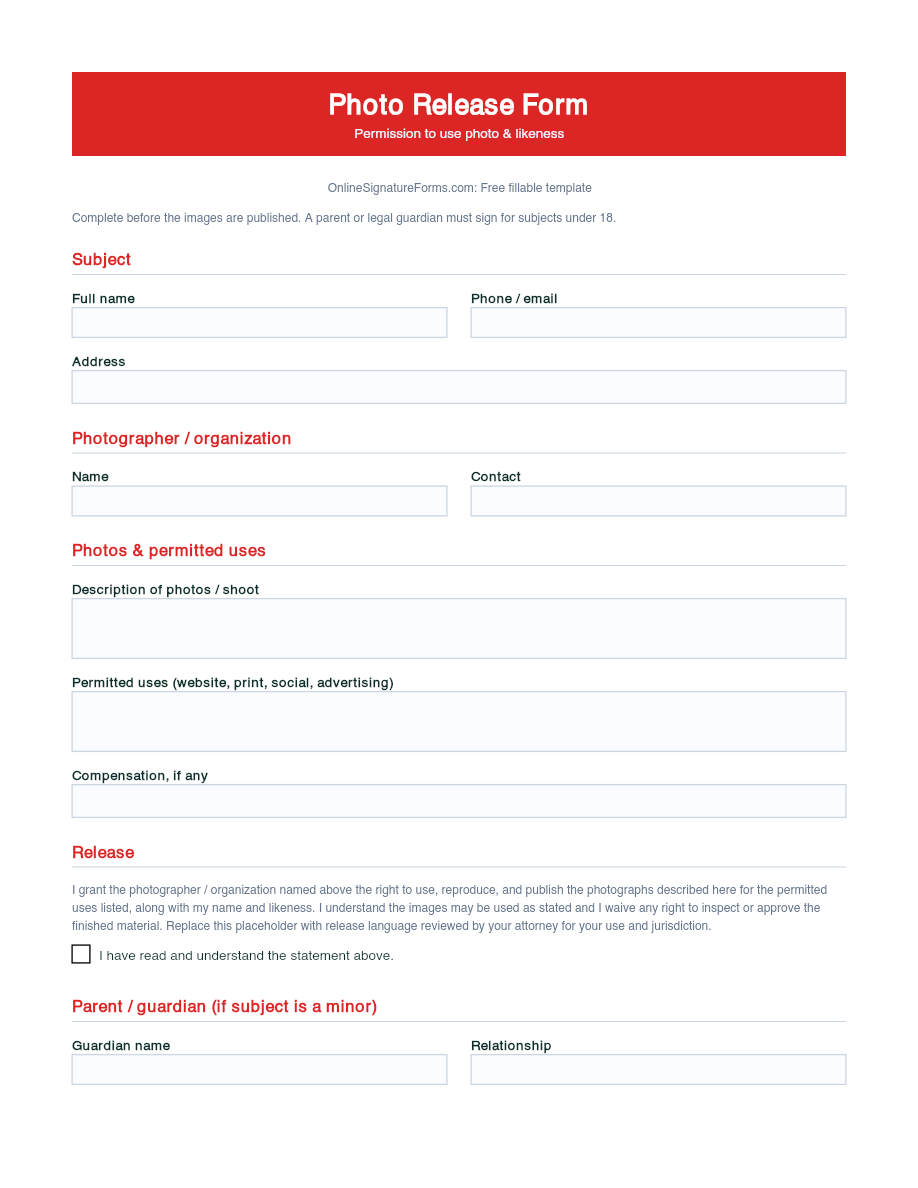
When to use PDF vs online
Use the PDF or Word download for in-person sign-ups, fax, or email attachments. Choose an online form when you need automatic notifications, payment integrations, or a shareable link for customers.