 Jotform
Hold Harmless Agreement Template
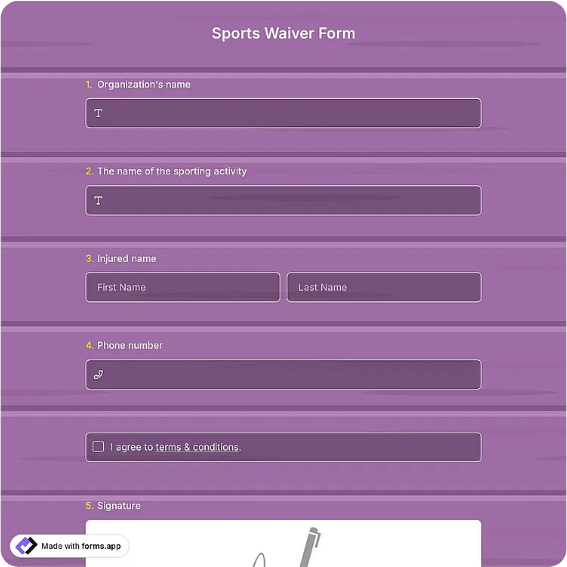
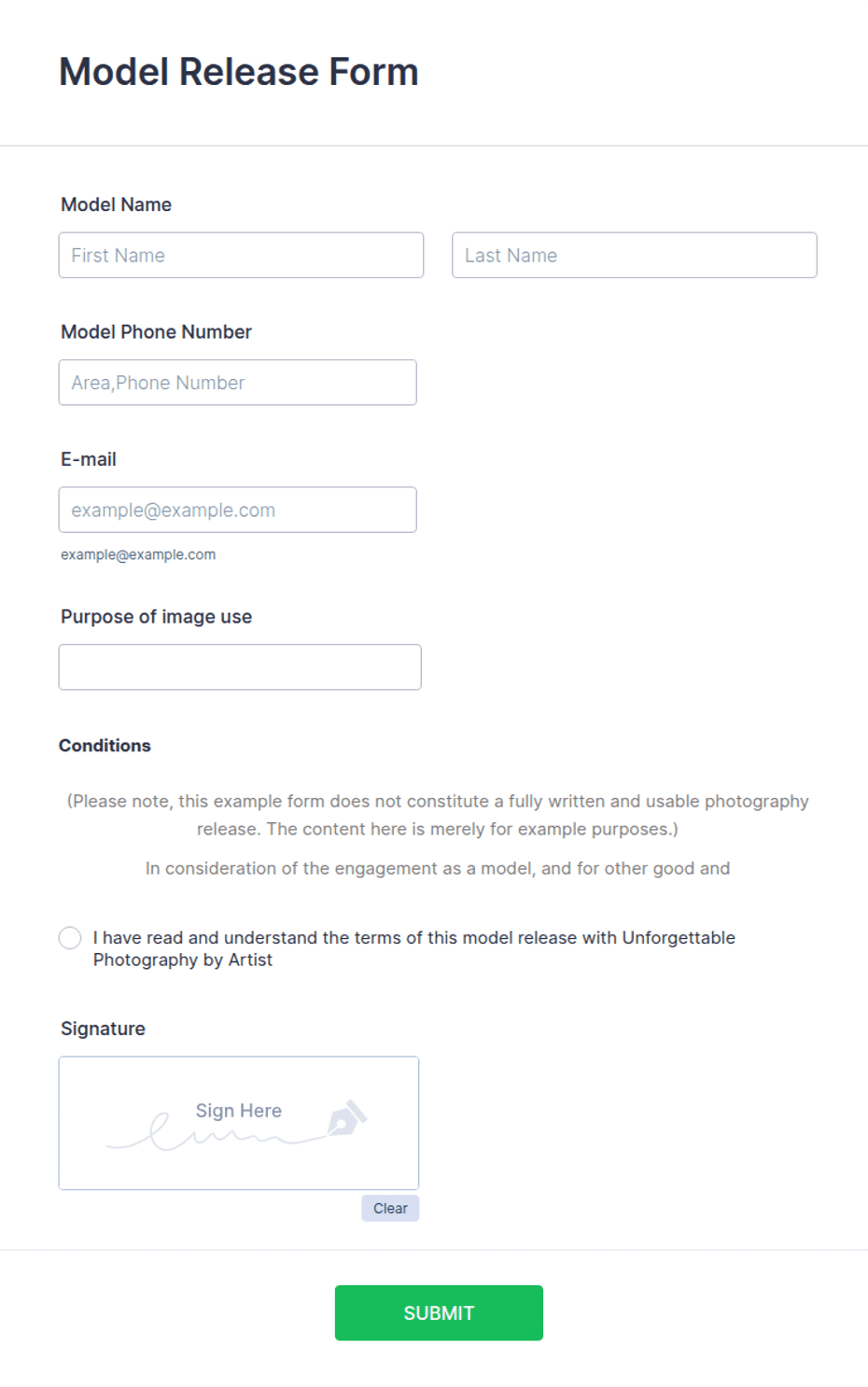
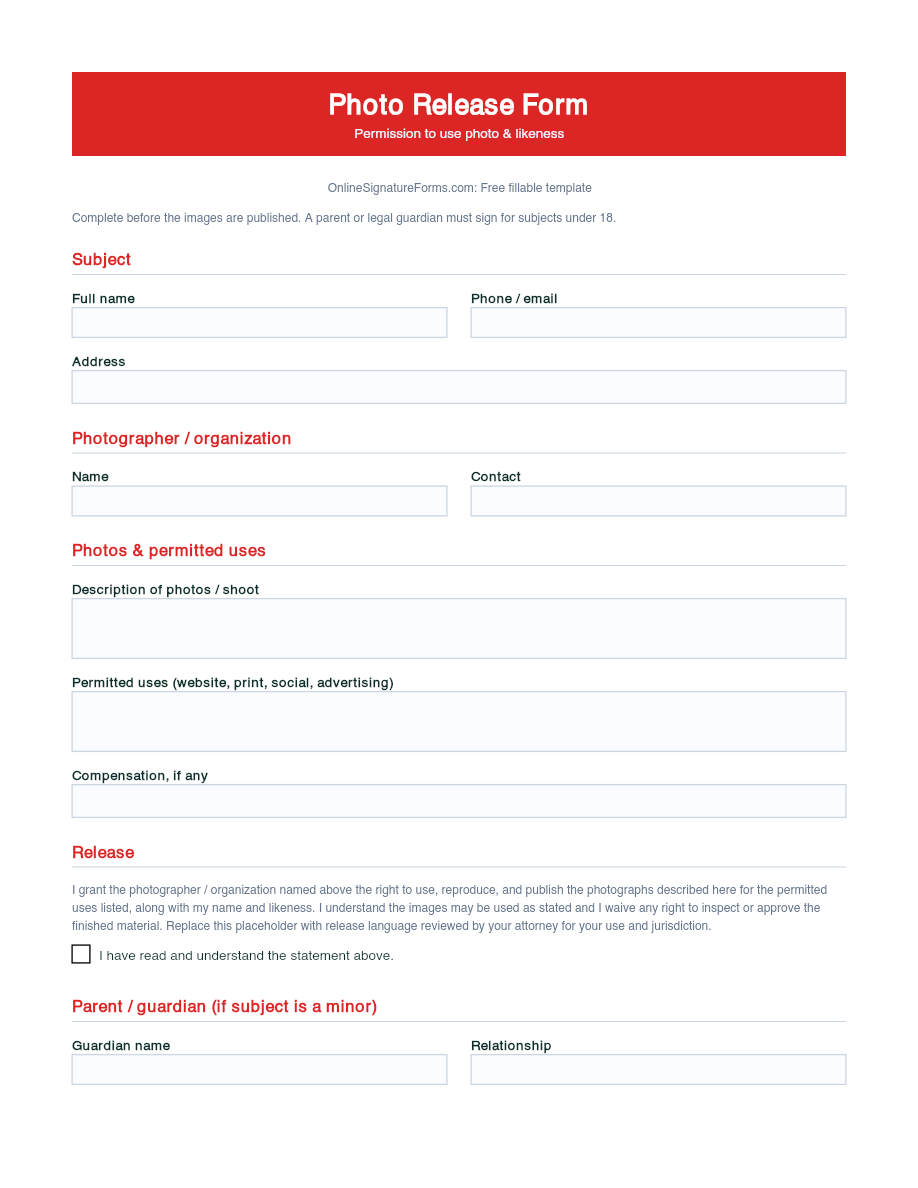
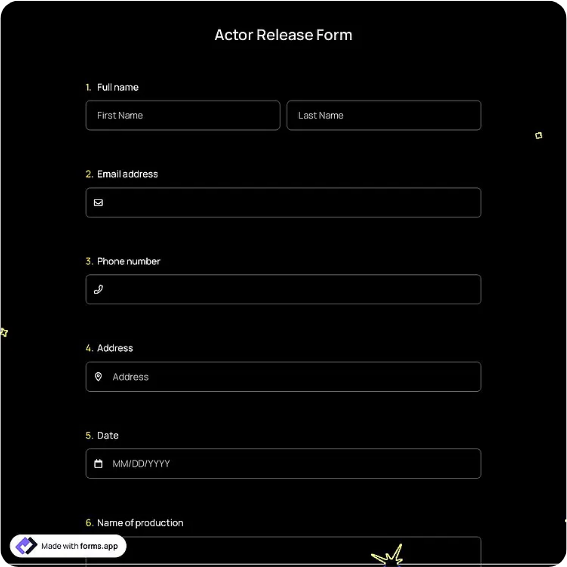
Hold harmless and indemnification agreement between two parties, with the activity or subject, a hold-harmless statement, scope, an acknowledgment checkbox, and dated signatures for both parties.
Available online on
Download as
- Free PDF and Word downloads for offline use
- Fillable fields you can customize for your business
- Share a link or print copies for in-person sign-ups
- Ready-made online forms on popular form builders
Last updated July 18, 2026. Reviewed by the Online Signature Forms team.
About this template
A Hold Harmless Agreement is a contract in which one party agrees not to hold the other responsible for certain losses, and often to indemnify them, in connection with an activity, service, or arrangement. Contractors, event hosts, property owners, and vendors use one to allocate risk clearly before work or an event goes ahead. Typical fields include both parties' names and addresses, a description of the activity or subject, the hold-harmless and indemnification statement, the scope of what is covered, an acknowledgment checkbox, and a dated signature block for each party.
The whole point of the document is a clear, mutual record of who bears which risks, so this layout keeps the hold-harmless statement and scope readable and places the two-party signature block at the end. To be clear, this is a general-purpose layout with the sections most hold-harmless agreements include — not legal advice. Indemnity language and enforceability vary significantly by state, and overly broad clauses can be unenforceable, so have an attorney draft or review the wording before you use it for anything of value.
How teams use this form
A homeowner hiring a contractor for a renovation signs a hold-harmless agreement so responsibility for on-site incidents is spelled out. An event host renting a venue uses one to define which party covers what during the event. A vendor providing equipment agrees to indemnify a client against claims tied to its use. The common thread: both sides agree, in writing, on how risk is shared before work begins.
Customize the statement before signing
Open the Word (DOCX) download to set whether the agreement is one-way (unilateral) or mutual, describe the activity precisely, and define the scope and any exclusions. Add insurance, notice, or governing-law clauses your arrangement needs, and name each party accurately, including titles for businesses. The fillable PDF is ready to sign on paper or on a device; keep the acknowledgment checkbox and both signature blocks intact so the agreement is complete.
Common mistakes to avoid
Do not leave the scope open-ended — state exactly which activity, time period, or property the agreement covers. Do not confuse a one-way clause with a mutual one; decide which you need. And do not forget that both parties must sign: a hold-harmless agreement only binds the people who put their name and date on it. For businesses, include the signer's title to show they had authority.
Example scenario
A community group rents a hall for a fundraiser. The venue and the group sign a mutual hold-harmless agreement covering the event date, describing the activity as a ticketed dinner, and setting the scope to the rented space and its use that evening. Both representatives tick the acknowledgment box, sign, and date two copies, each keeping one so the terms are on record if a claim ever arises.
Choosing PDF or Word
This page provides a printable fillable PDF and an editable Word (DOCX) file. Use the Word file when you need to set the direction of the indemnity, define the scope, or add clauses before printing, and the PDF when the terms are set and you just need both parties to fill and sign. Both include the acknowledgment checkbox and a dated, two-party signature block so the agreement is ready to execute.
Typical fields
- First party (indemnitee) name and address
- Second party (indemnitor) name and address
- Activity or subject of the agreement
- Hold-harmless and indemnification statement
- Scope and exclusions
- Acknowledgment checkbox (both parties agree)
- First party signature, printed name, and date
- Second party signature, printed name, and date
Best for
- Contractors and property owners
- Event hosts and venue rentals
- Vendors and equipment providers
- Any two parties allocating risk
When to use PDF vs online
Use the PDF or Word download for in-person sign-ups, fax, or email attachments. Choose an online form when you need automatic notifications, payment integrations, or a shareable link for customers.