Jotform
Lease Agreement Template
Residential lease agreement with landlord and tenant details, property address, term, rent, deposit, and dated signature blocks for both parties.
Available online on
Download as
- Free PDF and Word downloads for offline use
- Fillable fields you can customize for your business
- Share a link or print copies for in-person sign-ups
- Ready-made online forms on popular form builders
Last updated July 18, 2026. Reviewed by the Online Signature Forms team.
About this template
A Lease Agreement is the signed contract that puts a landlord and a tenant on the same page for a fixed rental term. It records who is renting to whom, the address of the property, when the tenancy starts and ends, how much rent is due and when, the security deposit, and the rules both sides agree to follow. Property owners, management companies, and private landlords use one so that expectations are written down before the keys change hands rather than argued about later. The heart of the document is the pair of dated signatures at the end, which is where a set of terms becomes a binding tenancy.
Landlord-tenant law is very local, and many states and cities require specific disclosures — lead paint, mold, rent-control notices, the handling of deposits, and more. This template gives you a clean, general-purpose layout with the sections most residential leases share, but it is not legal advice. Check your state and city rules and add any required disclosures before you sign.
How landlords and tenants use this form
A small landlord renting out a single-family home fills in the term, rent, and deposit, prints two copies, and signs one with the tenant at move-in so each side keeps a record. A property manager attaches a house-rules addendum and a utilities breakdown so a new tenant knows exactly what they are responsible for. A tenant reviews the notice and renewal terms before signing so there are no surprises at the end of the lease. The common thread: nobody moves in until both names and dates are on the page.
Customize the terms before signing
Open the Word (DOCX) download to set your own rent amount and due date, adjust the deposit, and edit the utilities, pet, and house-rules sections to match the property. Add your business name, insert any required local disclosures, and change the notice period to fit your market. The fillable PDF is ideal when the terms are settled and you just need to complete the blanks and sign on paper or on a device — keep the signature block intact so the finished lease is complete.
Common mistakes to avoid
Do not leave the rent due date or the deposit amount blank — vague money terms cause the most disputes. Do not skip the utilities and pet sections, because assumptions there rarely match. Do not forget required local disclosures, which can make parts of a lease unenforceable if omitted. And remember that a lease only binds the people who sign it, so both the landlord and every adult tenant should sign and date.
Example scenario
A landlord rents a two-bedroom apartment for a 12-month term at $1,800 per month, due on the first. The lease lists a $1,800 deposit, notes that the tenant pays electricity and internet while the landlord covers water, and allows one cat with an added deposit. Both parties sign and date two copies at move-in. When a dispute over the deposit comes up at move-out, they simply reread the signed terms instead of relying on memory.
Choosing PDF or Word
This page offers a printable fillable PDF and an editable Word (DOCX) file. Use the Word file when you need to change rent, rules, or add local disclosure language before printing, and the PDF when the terms are set and you just need to fill and sign. Both include a dated, two-party signature block so the lease is ready to execute the moment it is signed.
Typical fields
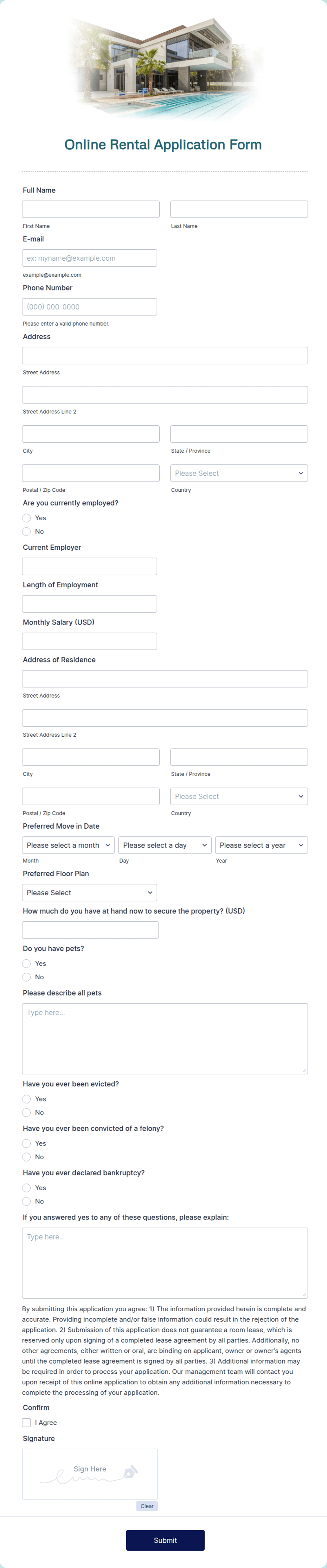
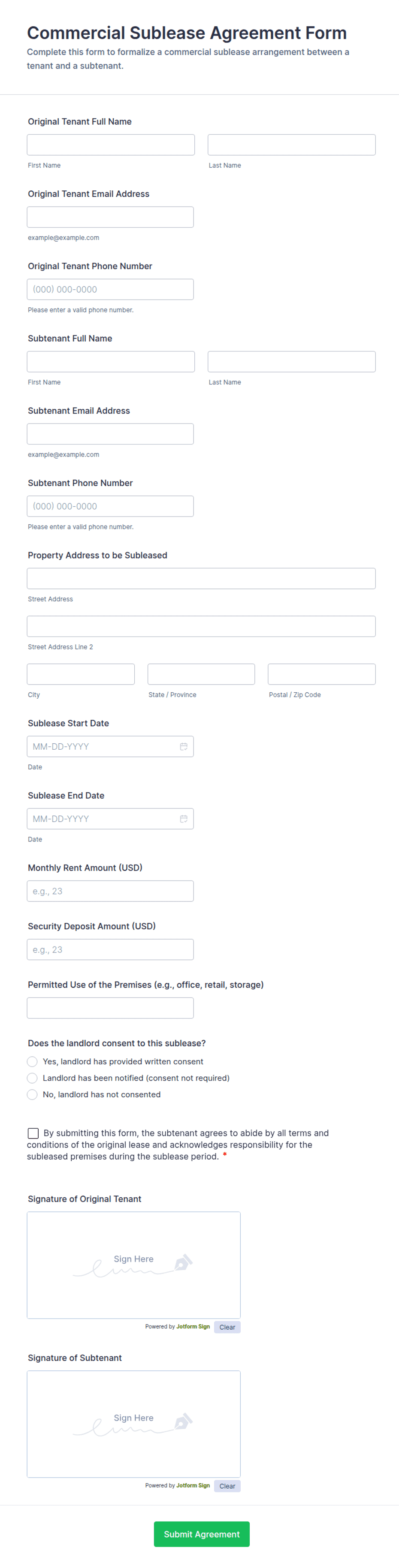
- Landlord name and address
- Tenant name(s) and contact
- Rental property address
- Lease term (start and end dates)
- Monthly rent amount and due date
- Security deposit amount
- Utilities, pets, and house rules
- Landlord signature and date
- Tenant signature and date
Best for
- Private landlords renting a home or apartment
- Property managers and management companies
- Fixed-term residential tenancies
- Renewing or replacing an expiring lease
When to use PDF vs online
Use the PDF or Word download for in-person sign-ups, fax, or email attachments. Choose an online form when you need automatic notifications, payment integrations, or a shareable link for customers.