 Jotform
Service Agreement Template
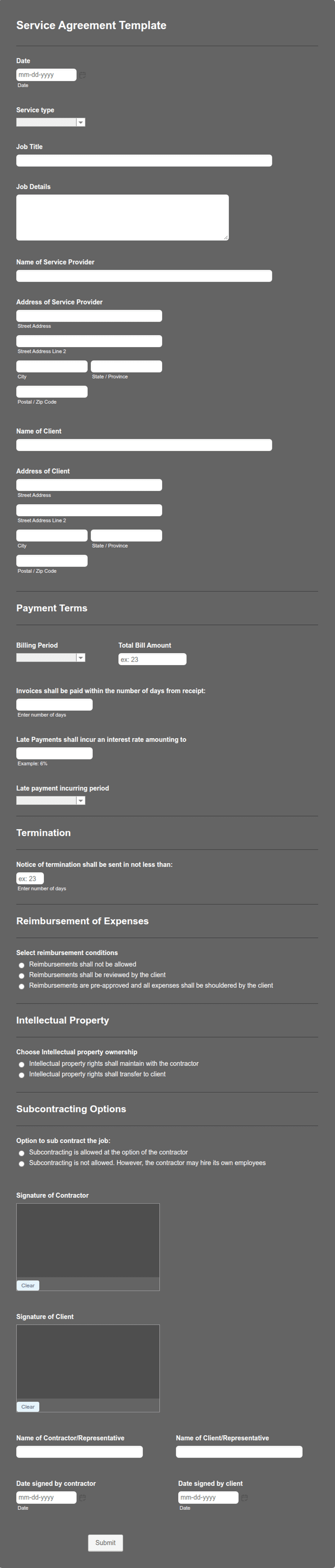
Service agreement with parties, scope of work, payment terms, and dated signature blocks for the provider and the client.
Available online on
Download as
- Free PDF and Word downloads for offline use
- Fillable fields you can customize for your business
- Share a link or print copies for in-person sign-ups
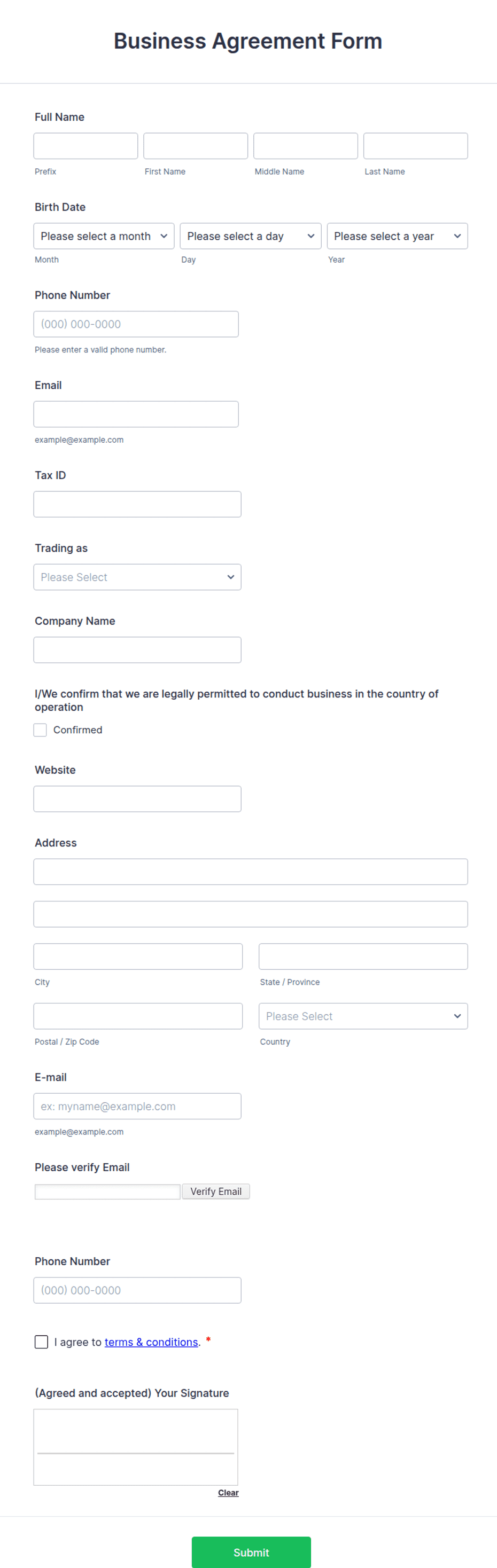
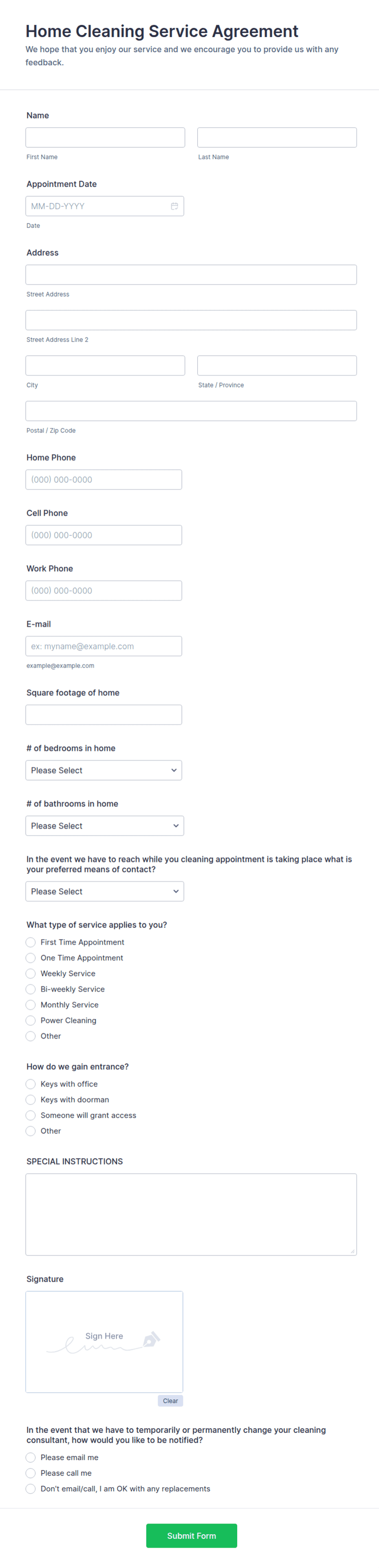
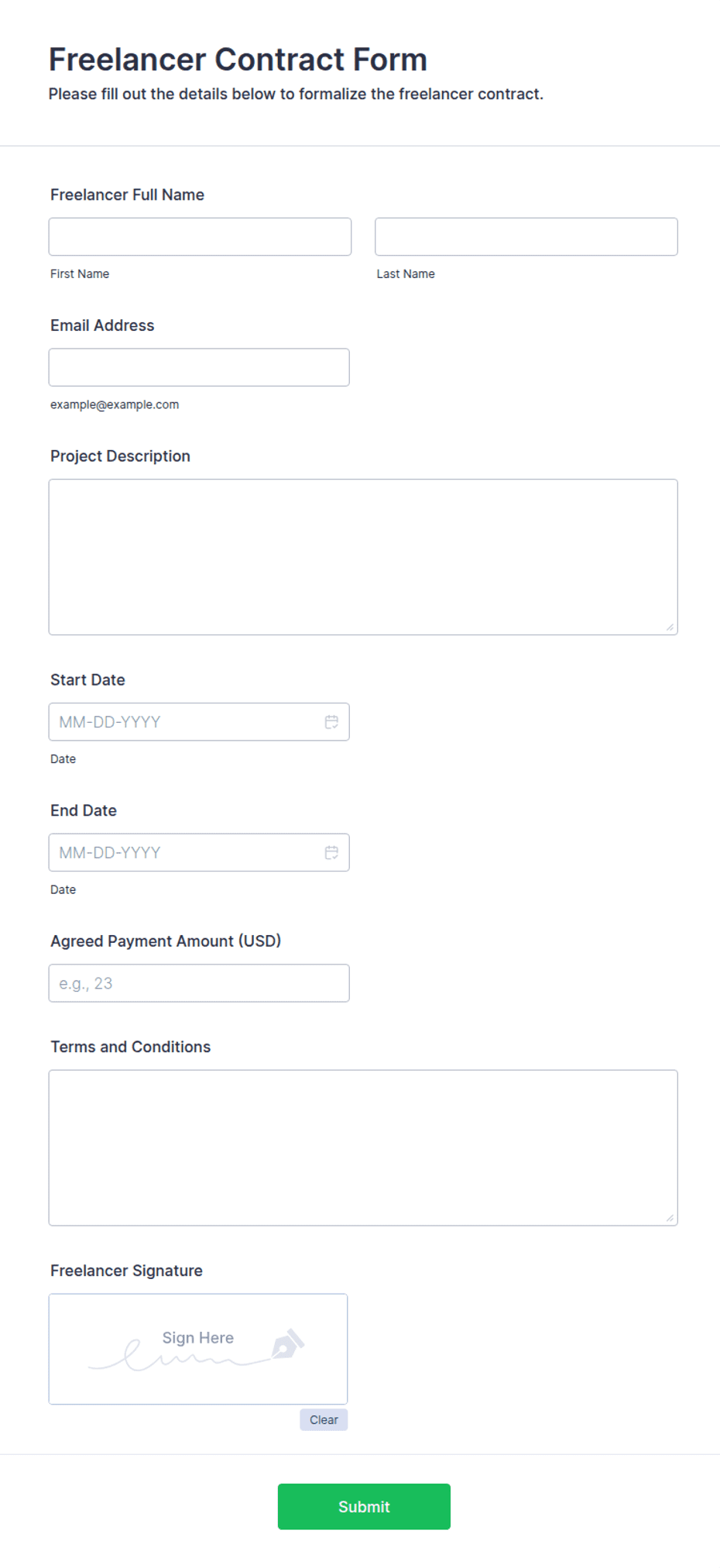
- Ready-made online forms on popular form builders
Last updated July 18, 2026. Reviewed by the Online Signature Forms team.
About this template
A Service Agreement sets out the terms under which one party provides services to another — the scope, the price, the schedule, and what each side is responsible for. Agencies, freelancers, contractors, consultants, and any business that delivers work for a client uses one to replace a vague email thread with a single signed record. Typical fields include the provider and client names and addresses, a description of the services, the fees and payment schedule, the start and end dates, and a dated signature block for each party.
The whole point of the document is the signature: it turns a proposal into a commitment both sides can rely on. That is why this layout keeps the scope and payment terms readable and places the two-party signature block directly at the end, with printed name, signature, date, and title lines. To be clear, this is a general-purpose layout with the sections most service agreements need — not legal advice. Have an attorney review the wording before you use it for a high-value engagement.
How teams use this agreement
A design studio sends the agreement with its proposal so the project does not start until the client has signed and returned it. A freelance developer attaches a payment schedule — a deposit up front, milestones in the middle, the balance on delivery — so invoicing is never a surprise. A cleaning company keeps a signed copy per client on file and references the scope section whenever a request falls outside the agreed work. The common thread: no signature, no start.
Customize the terms before signing
Open the Word (DOCX) download to edit the scope, add or remove clauses, and set your own payment and cancellation terms. Add your business name and logo, insert any confidentiality or intellectual-property language your work requires, and adjust the notice period. The fillable PDF suits signing on paper or on a device without changing the layout; keep the signature block intact so the finished document is complete.
Common mistakes to avoid
Do not leave the scope vague — "design work as discussed" invites disputes, while a bulleted list of deliverables does not. Do not skip the payment schedule or the late-payment terms. And do not forget that both parties must sign: an agreement only binds the people who put their name and date on it. For businesses, include the signer's title so it is clear they had authority to sign.
Example scenario
A marketing consultant agrees to a three-month retainer with a small business. The agreement lists the monthly deliverables, the fee and due date, and a 30-day notice clause. Both parties sign and date two copies at the kickoff meeting and each keeps one. When the client later asks for extra work, the consultant points to the scope section, and they sign a short addendum rather than argue over what the retainer covered.
Choosing PDF or Word
This page provides a printable fillable PDF and an editable Word (DOCX) file. Use the Word file when you need to change clauses, fees, or the scope before printing, and the PDF when the terms are set and you just need to fill and sign. Both include a dated, two-party signature block so the agreement is ready to execute.
Typical fields
- Provider name and address
- Client name and address
- Description of services / scope of work
- Fees and payment schedule
- Start date and end date
- Term and termination / notice period
- Provider signature, printed name, title, and date
- Client signature, printed name, title, and date
Best for
- Agencies and freelancers
- Consultants and contractors
- Ongoing retainers and one-off projects
- Any business delivering services to clients
When to use PDF vs online
Use the PDF or Word download for in-person sign-ups, fax, or email attachments. Choose an online form when you need automatic notifications, payment integrations, or a shareable link for customers.