 forms.app
Credit Card Authorization Form Template
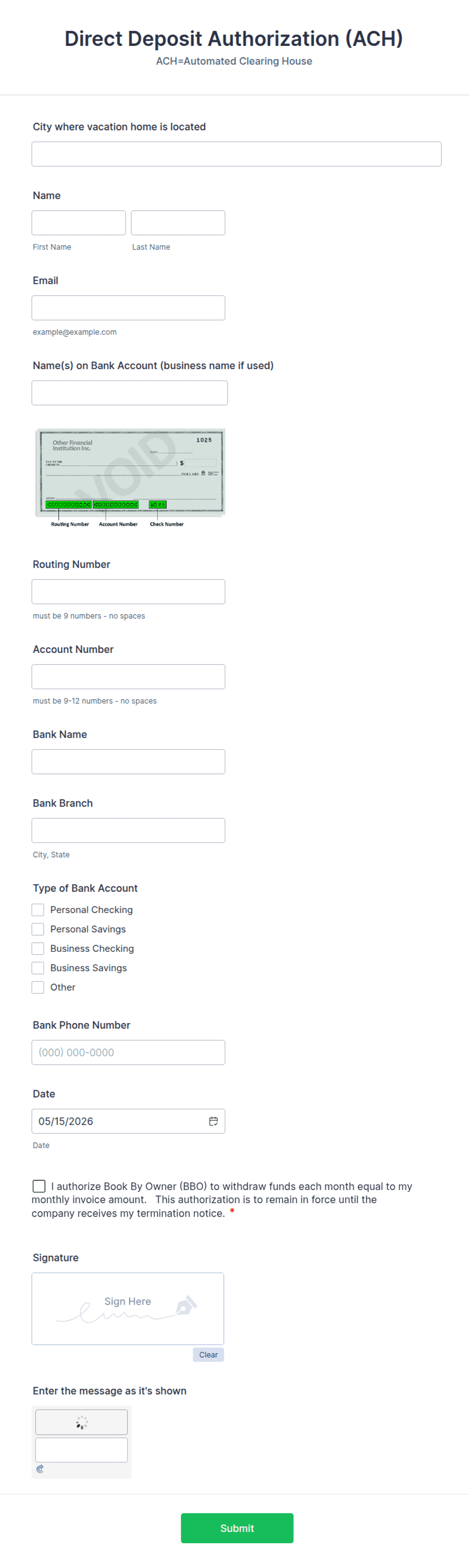
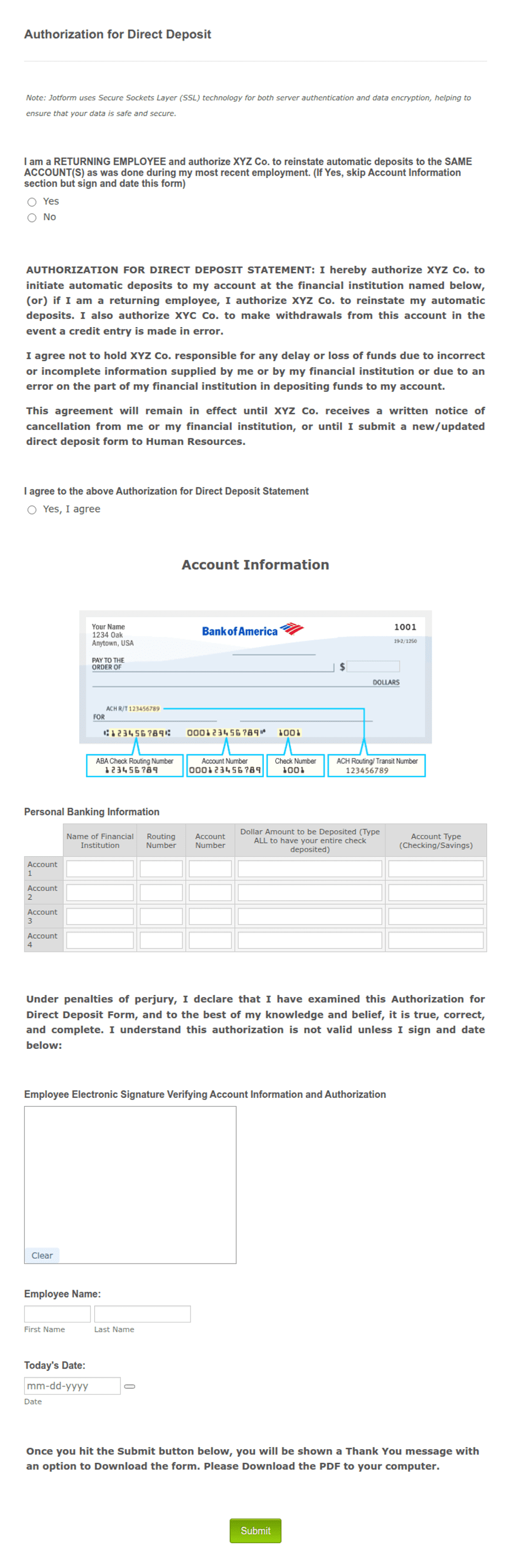
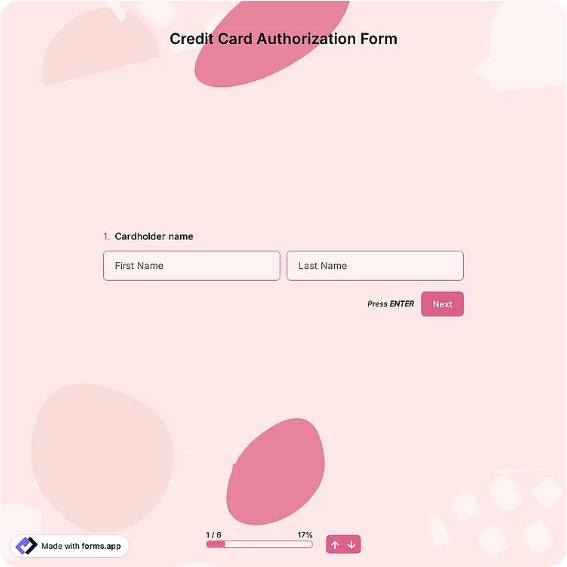
Let a customer authorize recurring or one-time card charges with cardholder details, billing address, card and expiry fields, amount, frequency, and a dated signature block.
Available online on
Download as
- Free PDF and Word downloads for offline use
- Fillable fields you can customize for your business
- Share a link or print copies for in-person sign-ups
- Ready-made online forms on popular form builders
Last updated July 18, 2026. Reviewed by the Online Signature Forms team.
About this template
A Credit Card Authorization Form is the written consent a cardholder gives before a business charges their card — whether that is a single payment or a recurring subscription. Property managers, clinics, gyms, agencies, and any company that bills a card on file uses one to prove the customer agreed to the amount and the schedule. The form captures the cardholder's name and billing address, the card type, the card number and expiry, the amount, how often it will be charged, and a dated signature that authorizes it all.
The signature is what makes the charge defensible if the customer later disputes it with their bank. That is why this layout puts a clear authorization statement and a checkbox directly above the signature line: the customer reads what they are agreeing to, ticks the box, then signs and dates. This is a general-purpose layout with the fields most businesses need — not legal or compliance advice. Confirm what your payment processor and card-network rules require before you rely on it.
How teams use this form
A dental office keeps a signed authorization on file so it can charge the patient's remaining balance after insurance settles. A software agency collects one at onboarding to run a monthly retainer without chasing an invoice each cycle. A moving company takes a one-time authorization for a deposit and notes the exact amount on the form. In every case the rule is the same: no signed authorization, no charge.
Customize the fields before signing
Open the Word (DOCX) download to match your billing. Add your business name and logo, set whether the charge is one-time or recurring, and adjust the frequency options — weekly, monthly, quarterly. If you only store the last four digits for security, keep that field and drop the full card number. The fillable PDF is ready to sign on paper or on a device; leave the authorization statement and signature block in place so the record is complete.
Handle sensitive data carefully
This form collects full card details, so treat every signed copy as sensitive. Store it encrypted or in a locked file, limit who can see it, and never email it in plain text. Many businesses keep only the last four digits after the first charge to reduce risk. Include a short revocation line so the cardholder knows they can cancel the authorization in writing at any time, and honor those requests promptly.
Example scenario
A boutique fitness studio signs up a member on a $79 monthly plan. The member fills in the cardholder name, billing address, card type, number, and expiry, then reads the authorization statement, ticks the consent box, and signs and dates it. The studio charges the card on the first of each month. Two months later the member cancels in writing, the studio stops the charges, and the signed form and the revocation note together show exactly what was agreed.
Choosing PDF or Word
This page offers a printable fillable PDF and an editable Word (DOCX) file. Use the Word file when you want to change the frequency options, wording, or amount before printing, and the PDF when the terms are set and you just need the customer to fill and sign. Both include the authorization statement, consent checkbox, and a dated signature block so the record is ready to keep on file.
Typical fields
- Cardholder name
- Billing address
- Card type (Visa / Mastercard / Amex / Discover)
- Card number (or last 4 digits)
- Expiration date and security code
- Charge amount and currency
- Frequency (one-time / recurring) and start / end dates
- Authorization statement and consent checkbox
- Cardholder signature and date
Best for
- Recurring subscriptions and memberships
- Deposits and one-time payments
- Card-on-file billing for services
- Clinics, agencies, and property managers
When to use PDF vs online
Use the PDF or Word download for in-person sign-ups, fax, or email attachments. Choose an online form when you need automatic notifications, payment integrations, or a shareable link for customers.