 Jotform
Employment Contract Template
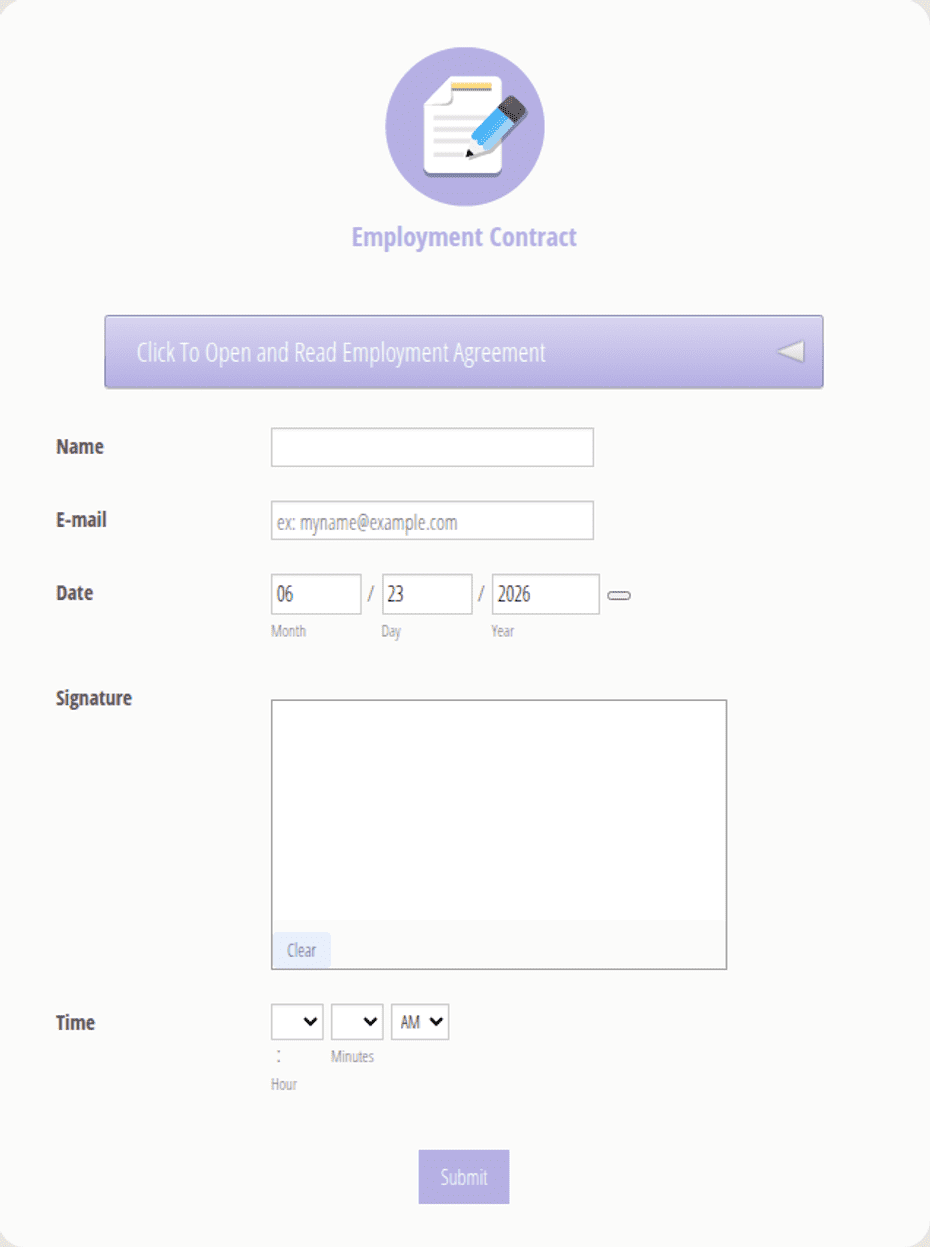
Employment contract with employer and employee details, position, compensation, schedule, employment type, duties, and dated signature blocks for both parties.
Available online on
Download as
- Free PDF and Word downloads for offline use
- Fillable fields you can customize for your business
- Share a link or print copies for in-person sign-ups
- Ready-made online forms on popular form builders
Last updated July 18, 2026. Reviewed by the Online Signature Forms team.
About this template
An Employment Contract records the terms under which a person joins a company — the role, the pay, the hours, and the responsibilities each side agrees to. HR teams, small-business owners, and founders use one to replace a verbal offer or a loose email with a single signed document that both the employer and the new employee can rely on. Typical fields include the employer and employee names, the job title, the start date, the compensation and pay schedule, the employment type, a summary of duties, references to confidentiality and termination terms, and a dated signature block for each party.
The signatures are what make the document meaningful: they turn an offer into a mutual commitment. That is why this layout keeps the compensation and schedule easy to read and places a two-party signature block at the end, with printed name, signature, date, and title lines. To be clear, this is a general-purpose layout with the sections most employment contracts share — not legal or employment-law advice. Employment rules vary widely by country and state, so have your HR team or an attorney review the wording before you use it.
How teams use this form
A growing agency sends the contract with its formal offer so the role is not confirmed until the candidate has signed and returned it. A restaurant owner uses one per hourly hire to record the pay rate, the schedule, and the at-will nature of the role. A software startup attaches its confidentiality and IP-assignment terms and references them in the duties section. The common thread: the contract sets expectations on day one, before any misunderstanding can form.
Customize it before signing
Open the Word (DOCX) download to edit the duties, set your own pay and schedule, and add or remove clauses. Insert your company name and logo, adjust the notice period, and add any probation, benefits, or non-compete language your jurisdiction allows. The fillable PDF suits signing on paper or on a device without shifting the layout; keep the signature block intact so the finished contract is complete and dated by both parties.
Common mistakes to avoid
Do not leave the compensation vague — state the amount, the currency, and the pay frequency. Do not omit the employment type; whether a role is full-time, part-time, fixed-term, or at-will affects everyone's expectations. Do not forget that both the employer and the employee must sign and date the document for it to bind them. And do not copy clauses from another country without checking they are enforceable where you operate.
Example scenario
A design studio hires its first full-time employee. The contract lists the job title, a $58,000 annual salary paid monthly, a Monday-to-Friday schedule, and an at-will clause. It references the studio's confidentiality policy and sets a two-week notice period. Both the owner and the new hire sign and date two copies at the start meeting, and each keeps one. When a question about notice comes up months later, the signed contract settles it without debate.
Choosing PDF or Word
This page provides a printable fillable PDF and an editable Word (DOCX) file. Use the Word file when you need to change duties, pay, or clauses before printing, and the PDF when the terms are set and you just need to fill and sign. Both include a dated, two-party signature block so the contract is ready to execute.
Typical fields
- Employer name and address
- Employee name and address
- Position / job title
- Start date
- Compensation, pay schedule, and work schedule
- Employment type (full-time, part-time, at-will)
- Summary of duties and responsibilities
- Confidentiality reference and termination / notice period
- Employer signature, printed name, title, and date
- Employee signature, printed name, and date
Best for
- Small businesses making a first hire
- Agencies and startups onboarding staff
- Hourly and salaried role confirmations
- HR teams standardizing new-hire paperwork
When to use PDF vs online
Use the PDF or Word download for in-person sign-ups, fax, or email attachments. Choose an online form when you need automatic notifications, payment integrations, or a shareable link for customers.