 Jotform
Employee Onboarding Form Template
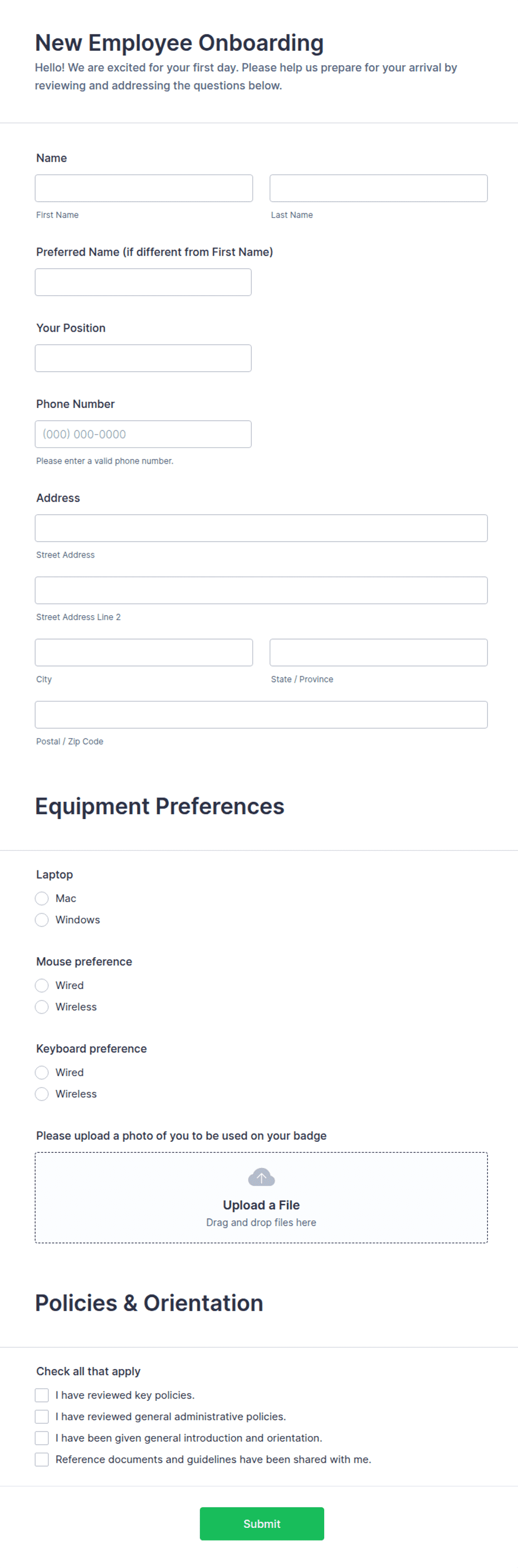
New-hire onboarding form capturing personal details, emergency contact, role and start date, an equipment and access checklist, a policy acknowledgment, and a dated signature.
Available online on
Download as
- Free PDF and Word downloads for offline use
- Fillable fields you can customize for your business
- Share a link or print copies for in-person sign-ups
- Ready-made online forms on popular form builders
Last updated July 18, 2026. Reviewed by the Online Signature Forms team.
About this template
An Employee Onboarding Form gathers everything a company needs to set up a new hire on their first day — personal and contact details, an emergency contact, the role and start date, the equipment and access they will be given, and confirmation that they have read the core policies. HR teams and office managers use one to make onboarding consistent, so nothing is forgotten and every new hire starts with the same information on file. Typical fields include the employee's details, an emergency contact, the role and start date, an equipment and access checklist, a policy acknowledgment with a checkbox, and a dated signature.
The signature and checkbox close the process: they confirm the new hire provided accurate details and has read the policies before starting. That is why this layout groups the details clearly and places a policy acknowledgment checkbox and a single dated signature line at the end. To be clear, this is a general-purpose layout, not legal or employment-law advice. Data-collection and employment rules vary by country and state, so have your HR team or an attorney review the form and how you store the information before you use it.
How teams use this form
An office manager sends the form ahead of a start date so IT can prepare a laptop and accounts before the new hire arrives. A warehouse uses the equipment checklist to record which gear was issued and signed for. A remote-first company collects the emergency contact and policy acknowledgment in the same step, keeping onboarding to a single document. The common thread: one form captures the setup details and the acknowledgment together.
Customize it before signing
Open the Word (DOCX) download to edit the checklist, add fields for tax or payroll IDs your process needs, and reword the policy acknowledgment. Insert your company name and logo, and adjust the equipment and access rows to match what your team issues. The fillable PDF suits completing on paper or on a device without shifting the layout; keep the checkbox and signature line intact so the record is complete and dated.
Common mistakes to avoid
Do not collect more personal data than you actually need, and store what you do collect securely. Do not leave the emergency contact blank — it is the field most likely to matter in a hurry. Do not skip the equipment checklist if you issue devices; it is your record of what was handed over. And do not forget the policy acknowledgment checkbox and the signature, which confirm the new hire read the policies.
Example scenario
A design agency onboards a new hire starting Monday. The form captures their address and emergency contact, records that a laptop, a building key card, and email access were issued, and includes a checkbox confirming they read the code of conduct. The new hire signs and dates it, and HR files the form. Everything the team needs to get the person working is in one signed record.
Choosing PDF or Word
This page provides a printable fillable PDF and an editable Word (DOCX) file. Use the Word file when you need to change the checklist or add process-specific fields, and the PDF when the form is set and the new hire just needs to fill it, check the box, and sign. Both include the policy acknowledgment checkbox and a dated signature line.
Typical fields
- Employee full name
- Home address, phone, and personal email
- Emergency contact name and phone
- Role / job title and start date
- Department and reporting manager
- Equipment and access checklist (laptop, key card, accounts)
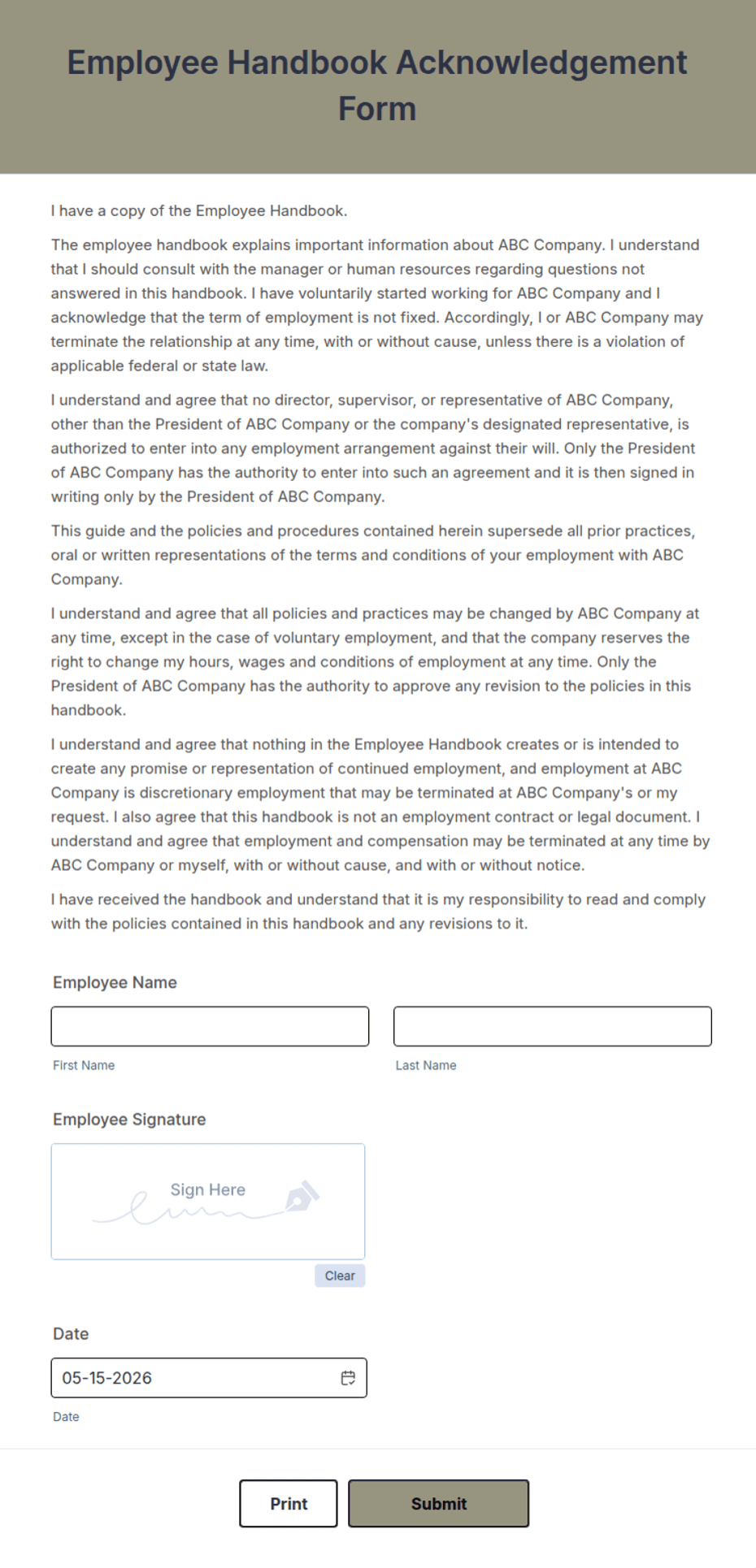
- Policy acknowledgment statement
- Policy acknowledgment checkbox
- Employee signature
- Date
Best for
- First-day new-hire setup
- Issuing and recording equipment and access
- Collecting emergency contact details
- Standardizing HR onboarding paperwork
When to use PDF vs online
Use the PDF or Word download for in-person sign-ups, fax, or email attachments. Choose an online form when you need automatic notifications, payment integrations, or a shareable link for customers.