 Jotform
Parental Consent Form Template
Parent or guardian permission for a minor to take part in an activity, trip, or treatment, with child details, emergency contact, a consent statement, and a dated signature.
Available online on
Download as
- Free PDF and Word downloads for offline use
- Fillable fields you can customize for your business
- Share a link or print copies for in-person sign-ups
- Ready-made online forms on popular form builders
Last updated July 18, 2026. Reviewed by the Online Signature Forms team.
About this template
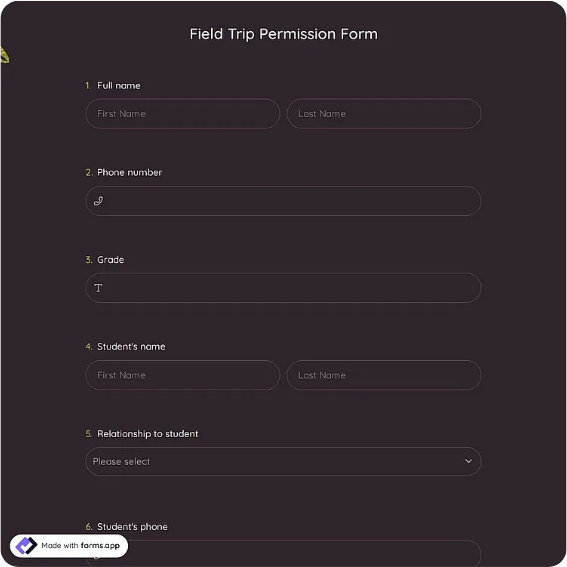
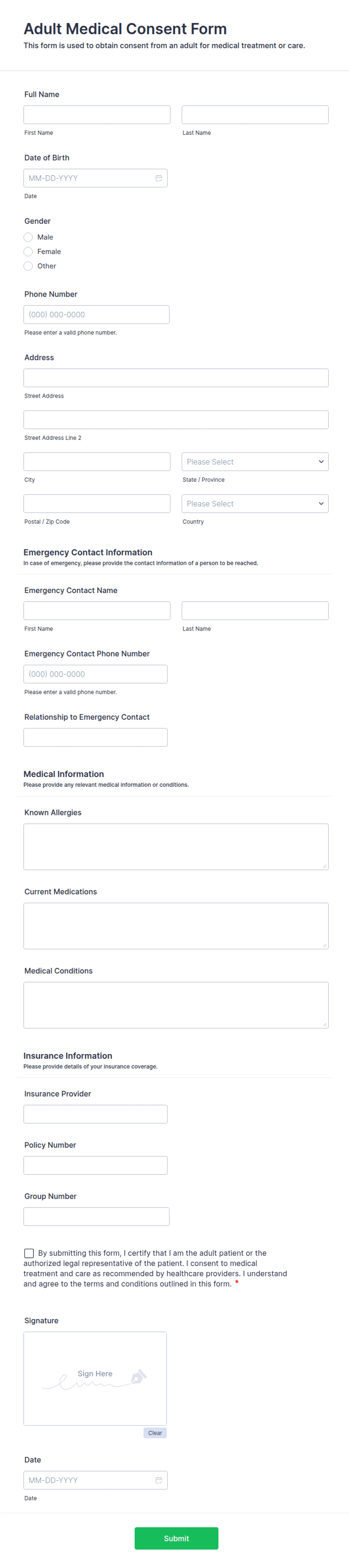
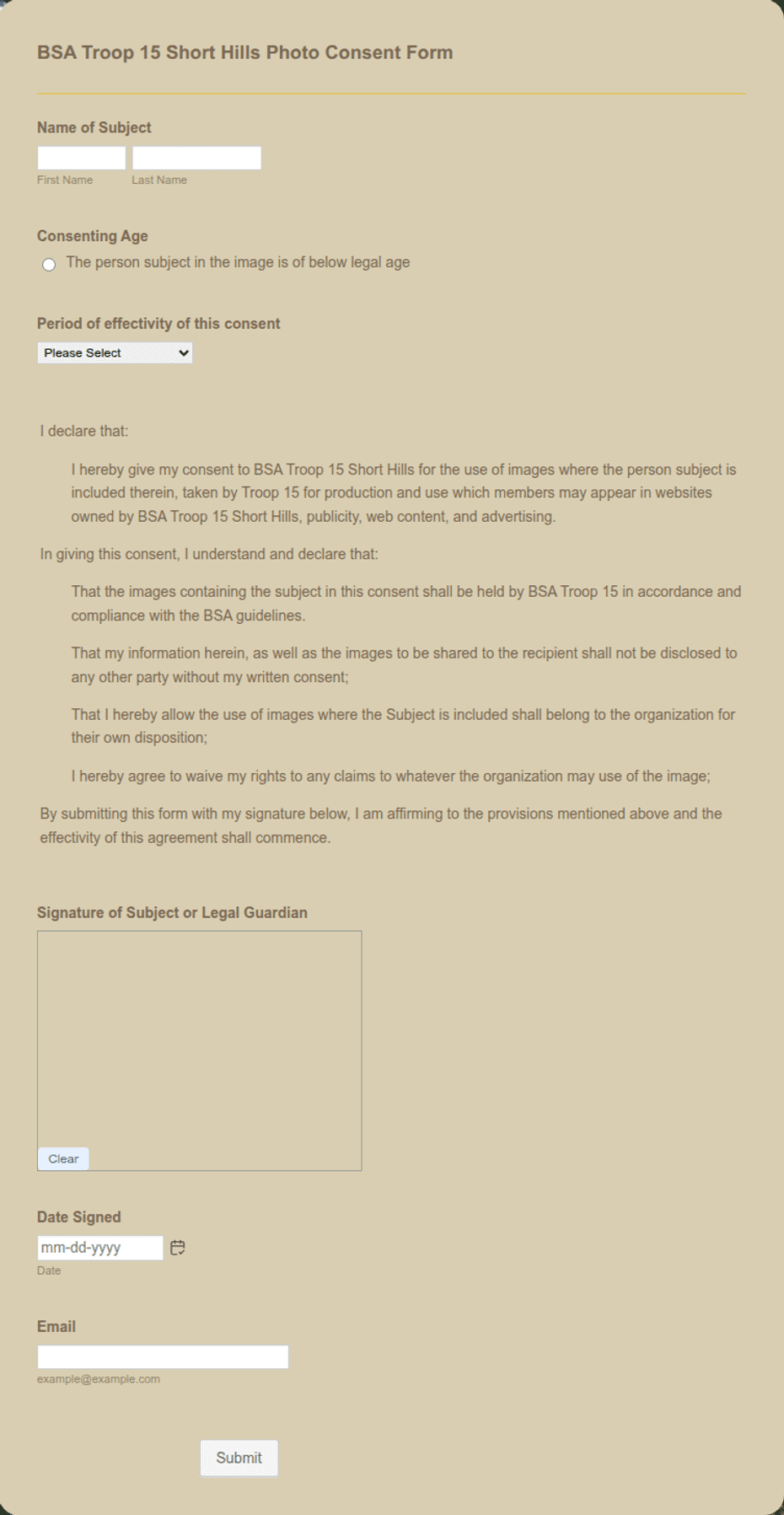
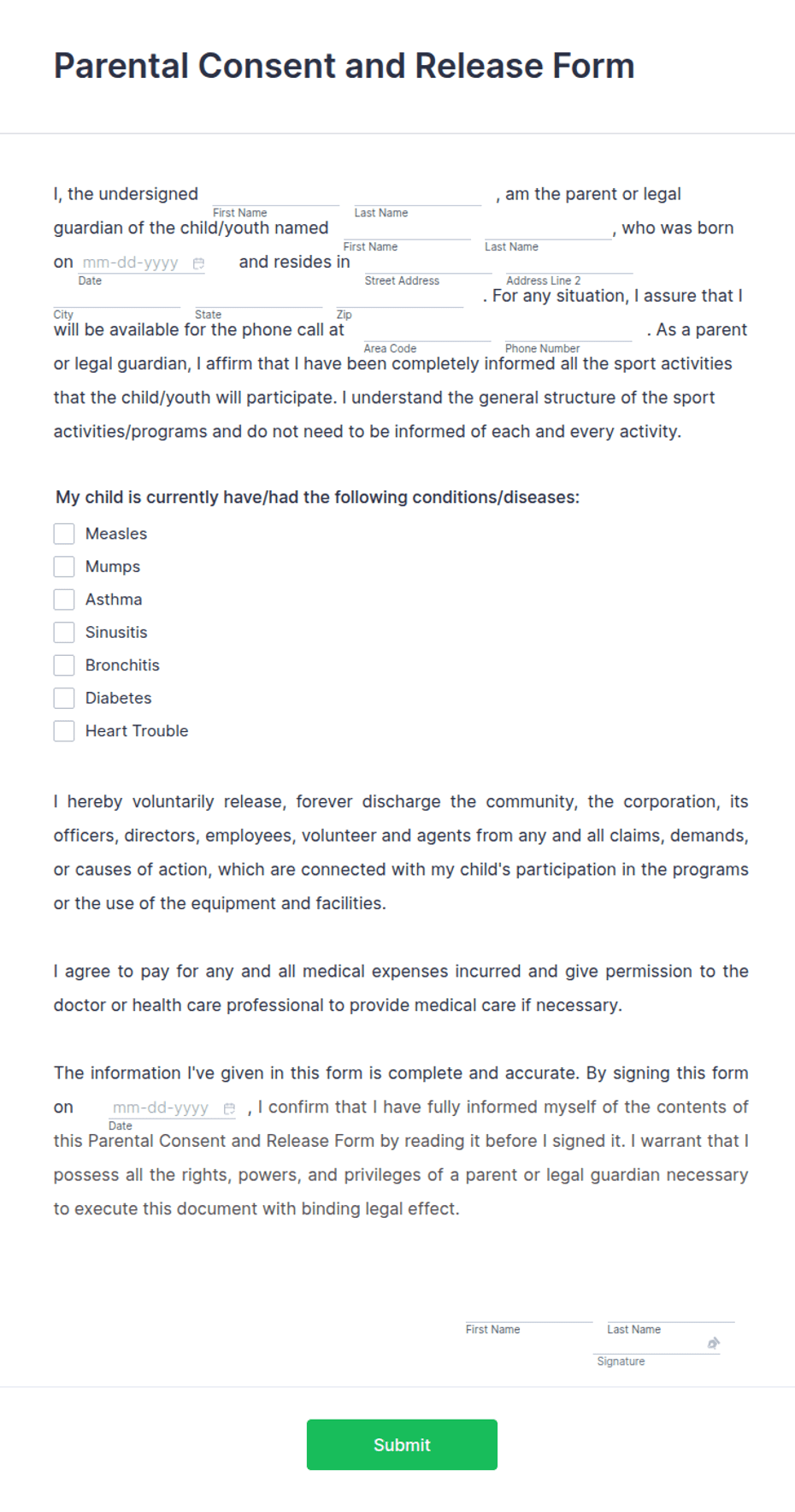
A Parental Consent Form is how a parent or legal guardian gives permission for a child to take part in something — a field trip, a sport, an after-school activity, or a treatment. Schools, camps, clubs, sports leagues, and clinics use one so there is a signed record that a guardian authorized the activity and can be reached in an emergency. Typical fields include the child's name and date of birth, the activity and its dates, an emergency contact, a plain-language consent statement, and a dated guardian signature with their relationship to the child.
The signature is the whole point of the document: it confirms that a responsible adult knows about the activity and agrees to it. This layout keeps the activity details and emergency contact easy to read, places an acknowledgment checkbox above the signature, and captures the guardian's name and relationship. To be clear, this is a general-purpose layout with the sections most permission forms need — not legal or medical advice. Have the appropriate professional review the wording before you rely on it.
How teams use this form
A school sends one home before every field trip so no student boards the bus without a signed slip. A soccer club collects one at registration covering the whole season, including permission to seek first aid. A day camp uses it to authorize off-site excursions and to hold an emergency contact for each child. A clinic uses it when a guardian cannot attend an appointment in person. The common thread: no signed form, no participation.
Customize the statement before signing
Open the Word (DOCX) download to name the exact activity, list the dates, and add any details particular to it — transport, supervision, medical authorization, or a cost. Add your organization name and logo, and expand the emergency-contact section if you need a second contact or medical notes. The fillable PDF suits signing on paper or on a device; keep the checkbox and signature block intact so the form is complete.
Common mistakes to avoid
Do not leave the activity or dates vague — a specific description protects everyone if a question comes up later. Do not skip the emergency contact; it is often the most important field on the page. And make sure the person signing is the child's parent or legal guardian, not another relative without authority. Give the guardian a copy so they have a record of what they agreed to.
Example scenario
A middle school plans a day trip to a science museum. Two weeks before, each family receives the form listing the date, the destination, and the return time. A parent reads the consent statement, ticks the acknowledgment box, writes an emergency contact and their relationship to the child, and signs and dates the guardian line. Teachers carry the signed forms on the trip so they can reach a parent quickly if needed.
Choosing PDF or Word
This page provides a printable fillable PDF and an editable Word (DOCX) file. Use the Word file when you need to name the activity, add dates, or expand the emergency-contact and medical details before printing, and the PDF when the details are set and you just need to fill and sign. Both include the acknowledgment checkbox and a dated guardian signature block so the form is ready to send home.
Typical fields
- Child name
- Date of birth
- Activity, trip, or treatment
- Activity dates
- Emergency contact name and phone
- Consent statement and acknowledgment checkbox
- Parent or guardian name and relationship
- Guardian signature and date
Best for
- Schools and field trips
- Camps, clubs, and youth programs
- Sports leagues and registrations
- Authorizing an activity or treatment for a minor
When to use PDF vs online
Use the PDF or Word download for in-person sign-ups, fax, or email attachments. Choose an online form when you need automatic notifications, payment integrations, or a shareable link for customers.