 PDF
PDFBill of Sale Template
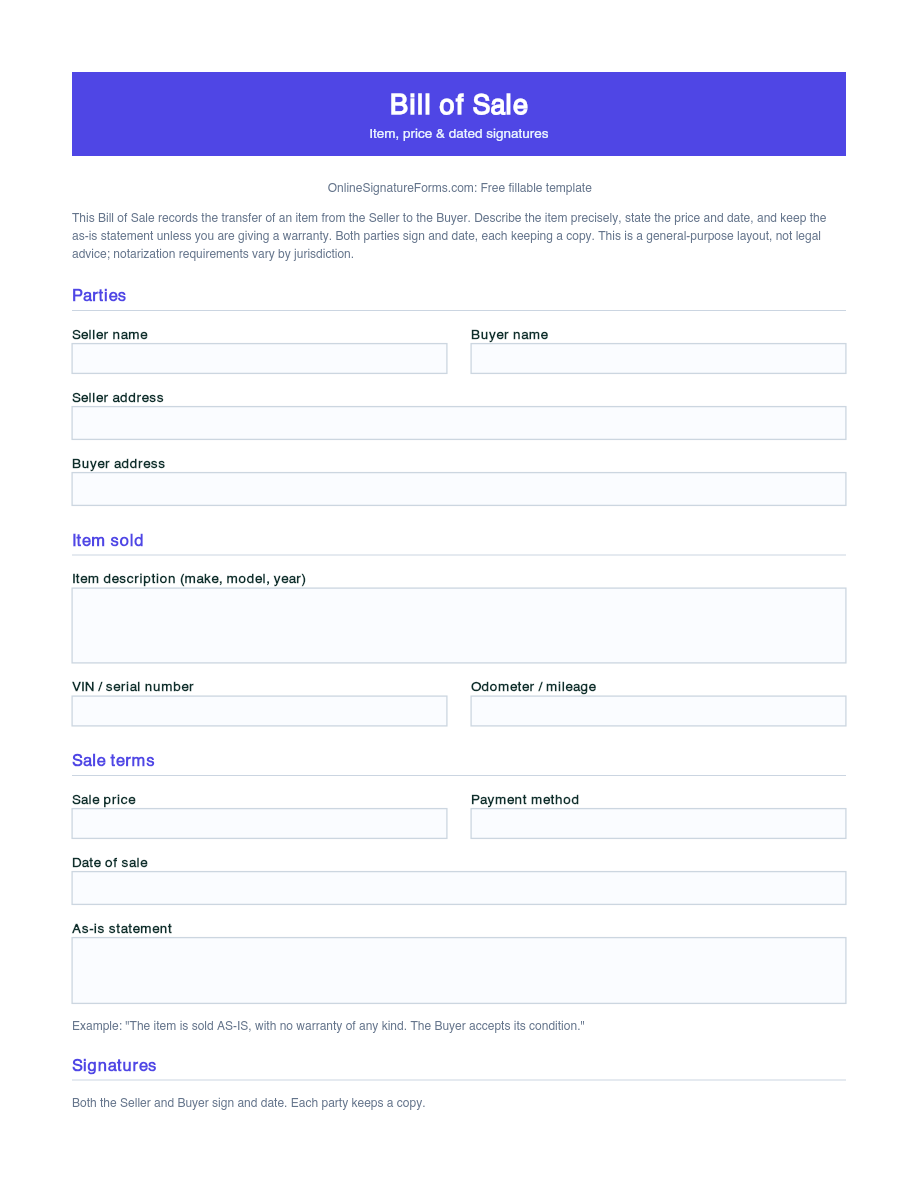
Bill of sale recording the transfer of an item between a seller and buyer, with item description, sale price, as-is statement, and dated signatures.
Download as
- Free PDF and Word downloads for offline use
- Fillable fields you can customize for your business
- Share a link or print copies for in-person sign-ups
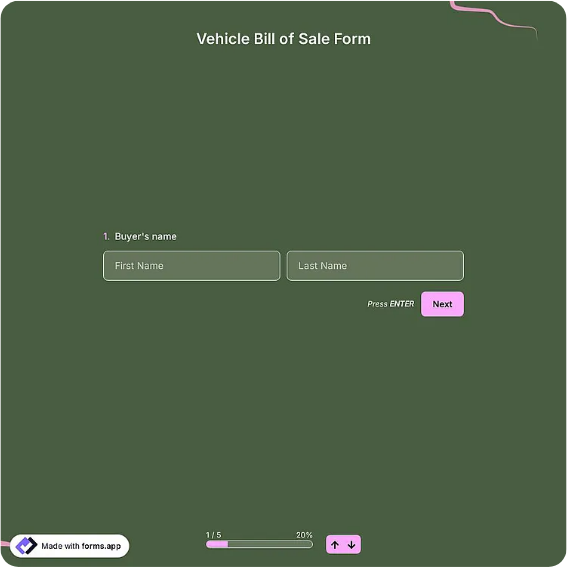
- Ready-made online forms on popular form builders
Last updated July 18, 2026. Reviewed by the Online Signature Forms team.
About this template
A bill of sale records the transfer of ownership of an item from a seller to a buyer. It is the receipt that proves a private sale actually happened — who sold what, to whom, for how much, and on what date. People use one for vehicles, trailers, boats, equipment, livestock, furniture, and general goods, especially in private transactions where there is no dealer invoice. The document identifies both parties, describes the item precisely, states the price, notes whether the item is sold as-is, and closes with dated signatures from both the seller and the buyer.
The value of a bill of sale is proof and finality. For the buyer it evidences ownership when registering a vehicle or resolving a dispute; for the seller it shows the item and any liability passed to the buyer on the date of sale. That is why this layout has a detailed item-description block — make, model, year, VIN or serial number — an as-is statement, and a clear two-party signature section. This is a general-purpose layout, not legal advice; requirements for witnessing and notarization vary by jurisdiction, and some states require a notarized bill of sale for vehicles.
How this document is used
A seller lists a used car privately; at handover, both parties sign a bill of sale recording the VIN, mileage, price, and "sold as-is," and the buyer uses it to register the vehicle. A contractor sells surplus equipment and keeps a signed copy for their records. A hobbyist selling a trailer notes the serial number so ownership is unambiguous. The common thread: a signed bill of sale closes the sale and protects both sides afterward.
Complete and sign it correctly
Enter the seller's and buyer's full names and addresses, then describe the item as specifically as possible — for a vehicle, include the make, model, year, VIN, and odometer reading; for equipment or goods, the make, model, and serial number. State the sale price and the date of sale, and keep the as-is statement unless you are giving a warranty. Both parties sign and date, each keeping a copy. If your jurisdiction requires notarization for the item type, complete the optional notary line in front of a notary.
Common mistakes to avoid
Do not describe the item loosely — a VIN or serial number removes doubt about exactly what was sold. Do not leave the price or date blank, as both matter for tax and liability. Do not delete the as-is statement if you intend to sell without a warranty. And do not forget that both parties sign: a bill of sale only proves the transfer when the seller and buyer have both signed and dated it.
Example scenario
A private seller and a buyer agree on a used motorcycle. They complete a bill of sale with the make, model, year, VIN, and odometer reading, the agreed price, the date, and an as-is clause. Both sign and date two copies. The buyer takes their copy to the licensing office to register the motorcycle, and the seller keeps theirs as proof that ownership and responsibility passed on the sale date.
Choosing PDF or Word
This page offers a printable fillable PDF and an editable Word (DOCX) file. Use the Word file to adjust the item fields, add warranty or payment terms, or insert a notary line before printing, and the PDF when the details are set and you only need to fill and sign. Both include the item description, price, as-is statement, and dated two-party signatures so the sale is properly recorded.
Typical fields
- Seller full name and address
- Buyer full name and address
- Item description (make, model, year)
- VIN / serial number and odometer/mileage (if applicable)
- Sale price and payment method
- As-is statement
- Date of sale
- Seller signature and date
- Buyer signature and date
- Optional notary block: state/county, signature, commission expires
Best for
- Private vehicle, boat, or trailer sales
- Selling equipment, tools, or machinery
- General goods and secondhand items
- Proof of ownership for registration
When to use PDF vs online
Use the PDF or Word download for in-person sign-ups, fax, or email attachments. Choose an online form when you need automatic notifications, payment integrations, or a shareable link for customers.