 PDF
PDFPersonal Training Agreement Template
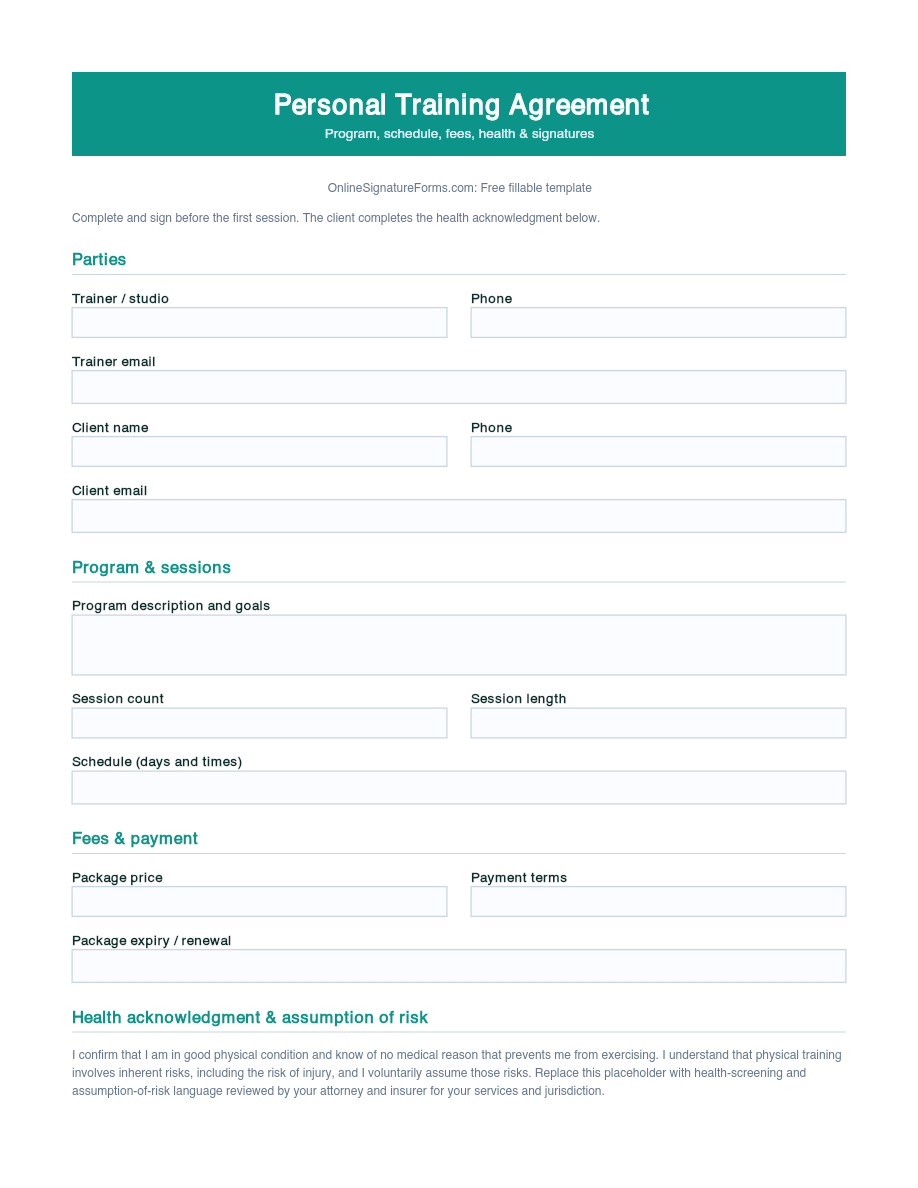
Personal training agreement with trainer and client details, program and session package, schedule, fees, a health acknowledgment and assumption-of-risk statement, cancellation terms, and dated signatures for both parties.
Download as
- Free PDF and Word downloads for offline use
- Fillable fields you can customize for your business
- Share a link or print copies for in-person sign-ups
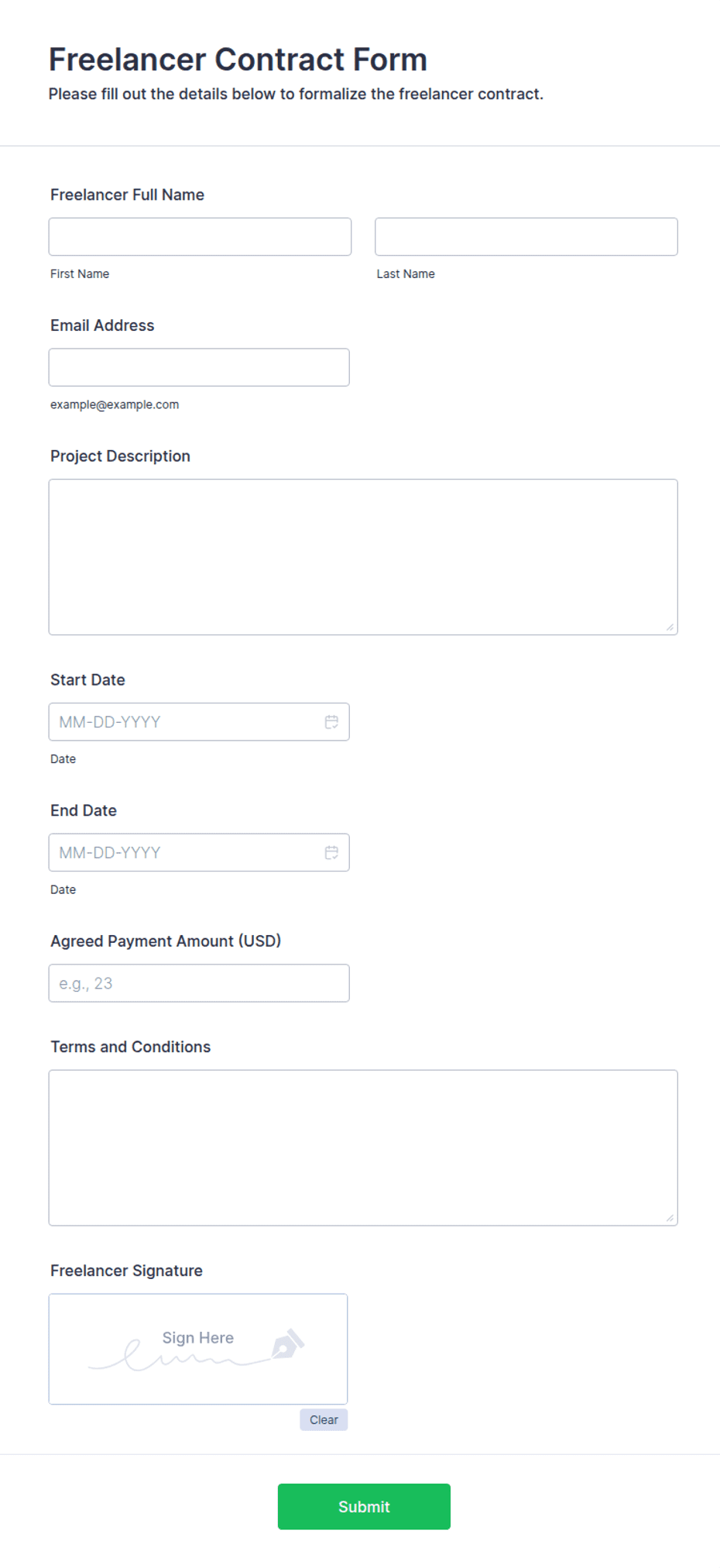
- Ready-made online forms on popular form builders
Last updated July 18, 2026. Reviewed by the Online Signature Forms team.
About this template
A Personal Training Agreement sets out the terms between a personal trainer and a client — the program, the number and length of sessions, the schedule, the fees, and the health acknowledgment each client makes before starting. Independent trainers, gyms, and studios use one so both sides agree in writing on what the package includes, how cancellations are handled, and that the client understands the physical risks of exercise. Typical fields include the trainer and client names and contact details, the program and session package, the schedule, the fees and payment terms, a health acknowledgment and assumption-of-risk statement with a checkbox, a cancellation clause, and a dated signature block for each party.
The agreement only does its job once it is signed, which is why this layout keeps the program and fee terms readable, places the health acknowledgment and its checkbox above the signatures, and puts the two-party signature block, with printed name, signature, and date, at the end. To be clear, this is a general-purpose layout with the sections most training agreements include — not legal advice. Liability and health-screening rules vary, so have an attorney review the wording before you rely on it.
How teams use this form
An independent trainer has every new client sign the agreement and complete the health acknowledgment before the first session. A boutique studio sells 10- and 20-session packages and uses the schedule and cancellation sections to set a 24-hour cancellation policy. A gym keeps a signed agreement on file per client and references the fee section when a package renews. The common thread: no signed agreement and health acknowledgment, no first session.
Customize the terms before signing
Open the Word (DOCX) download to edit the program description, set your own session counts and package prices, and adjust the cancellation window and payment schedule. Add your studio name and logo, insert any medical-clearance or waiver language your insurer requires, and tailor the assumption-of-risk statement to your services. The fillable PDF is ready to sign on paper or on a device; keep the acknowledgment checkbox and signature lines intact so the finished agreement is complete.
Common mistakes to avoid
Do not skip the health acknowledgment — the client should confirm they are medically cleared to exercise and understand the risks before training. Do not leave the package vague about session count, length, or expiry, and do not omit the cancellation terms that protect your booked time. And do not forget that both the trainer and the client must sign and date the agreement for it to bind either of them.
Example scenario
A client buys a 12-session package from an independent trainer. The agreement lists two 60-minute sessions per week, the total fee paid up front, a 24-hour cancellation policy, and a health acknowledgment the client ticks and signs confirming they have no conditions that prevent exercise. Both sign and date two copies at the consultation and each keeps one. When the client later extends for another block, they sign a short renewal rather than start from scratch.
Choosing PDF or Word
This page offers a printable fillable PDF and an editable Word (DOCX) file. Use the Word file when you need to change the program, package, or cancellation terms before printing, and the PDF when the package is set and you just need to fill and sign. Both include the health acknowledgment checkbox and a dated, two-party signature block so the agreement is ready to use.
Typical fields
- Trainer name and contact details
- Client name and contact details
- Program description and goals
- Session package (count, length, expiry)
- Schedule (days and times)
- Fees and payment terms
- Health acknowledgment and assumption-of-risk statement
- Acknowledgment checkbox (I am cleared to exercise and accept the risks)
- Cancellation and rescheduling terms
- Trainer signature, printed name, and date
- Client signature, printed name, and date
Best for
- Independent personal trainers
- Boutique fitness studios
- Gyms selling training packages
- Online and in-home coaching
When to use PDF vs online
Use the PDF or Word download for in-person sign-ups, fax, or email attachments. Choose an online form when you need automatic notifications, payment integrations, or a shareable link for customers.