 Jotform
Membership Agreement Template
Membership agreement with organization and member details, membership type, fees and billing, benefits, term and cancellation, a code-of-conduct acknowledgment, and a dated member signature.
Available online on
Download as
- Free PDF and Word downloads for offline use
- Fillable fields you can customize for your business
- Share a link or print copies for in-person sign-ups
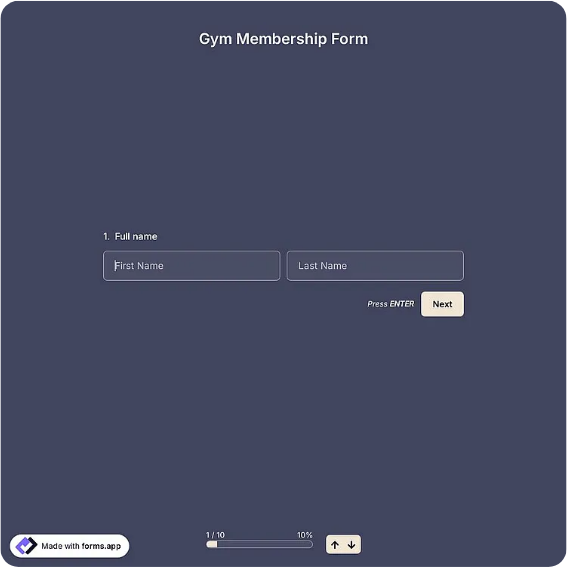
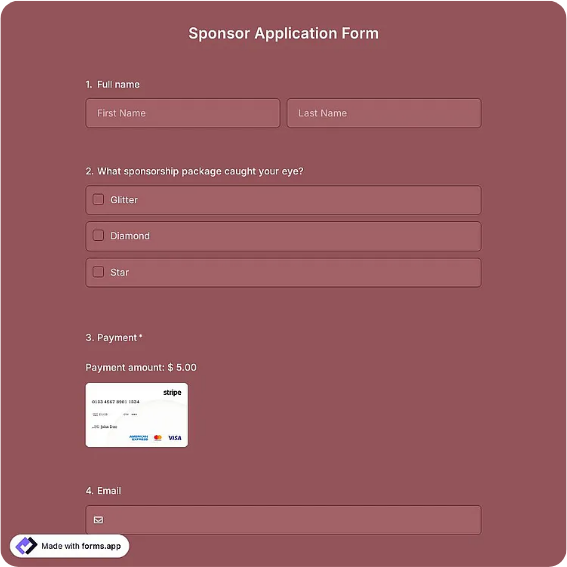
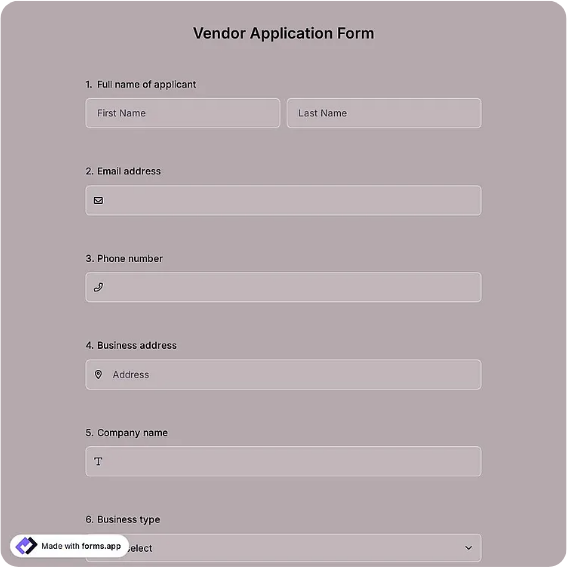
- Ready-made online forms on popular form builders
Last updated July 18, 2026. Reviewed by the Online Signature Forms team.
About this template
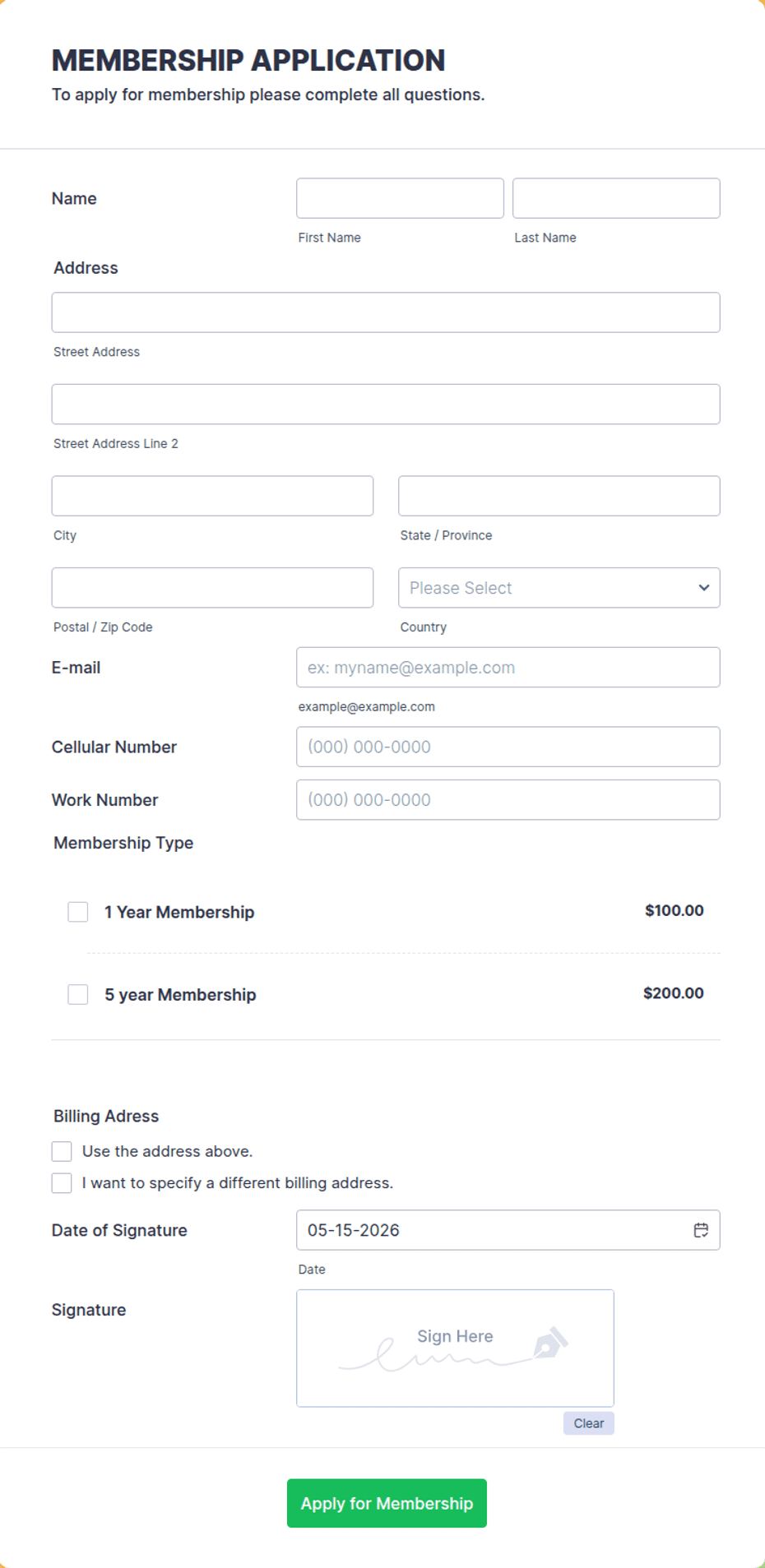
A Membership Agreement sets out the terms between an organization and a person who joins it. It names both sides, states the membership type, and lays out the fees and billing, the benefits, the term and cancellation rules, and the code of conduct the member agrees to follow. Gyms, clubs, coworking spaces, associations, studios, and subscription-based services use one so members know exactly what they are paying for and what is expected of them. The template gathers the organization and member details, the membership type, the fees and billing cycle, the benefits, the term and cancellation terms, the rules and code of conduct, an acknowledgment checkbox, and a dated signature for the member.
The signature and acknowledgment are the point: they confirm the member has read the fees, cancellation policy, and rules and agreed to them before joining. That is why the layout keeps the fees and cancellation sections readable, adds a clear acknowledgment checkbox for the code of conduct, and places the signature block at the end with printed name and date lines. This is a general-purpose layout with the sections most memberships need — not legal advice. Have an attorney review the wording before you rely on it for a significant program, especially where recurring billing is involved.
How organizations use this agreement
A gym has every new member sign one so the monthly fee, the auto-renewal, the 30-day cancellation notice, and the facility rules are all agreed at signup. A coworking space uses it to set the tier, the billing date, the access hours, and the guest policy. A professional association records the annual dues, the member benefits, and the ethics code each member commits to. The signed copy protects the organization on billing disputes and gives the member a clear reference for what they are owed.
Customize the terms before signing
Open the Word (DOCX) download to edit the membership tiers, set your own fees and billing cycle, and adjust the benefits, cancellation notice, and code of conduct. Add your organization name and logo, insert any freeze, refund, or liability language your program requires, and reword the acknowledgment. The fillable PDF is ready to sign on paper or on a device without changing the layout — keep the acknowledgment checkbox and signature block intact so the finished copy is complete.
Common mistakes to avoid
Do not bury the billing terms — state the fee, the cycle, whether it auto-renews, and how to cancel, because that is where most member disputes begin. Do not skip the code of conduct if your space has rules members must follow. And do not forget the acknowledgment and signature: an agreement only carries weight when the member has checked the box confirming they read the rules and signed and dated it. For members under 18, add a parent or guardian signature line.
Example scenario
A climbing gym signs up a new monthly member. The agreement lists the $59 monthly fee billed on the 1st, auto-renewal, a 30-day cancellation notice, and safety rules including required belay certification. The member checks the code-of-conduct box, signs, and dates the form. When the member later wants to cancel, both sides follow the notice period in the signed agreement, avoiding a billing argument.
Choosing PDF or Word
This page provides a printable fillable PDF and an editable Word (DOCX) file. Use the Word file when you need to change the tiers, fees, or cancellation terms before printing, and the PDF when the terms are set and you just need the member to fill, acknowledge, and sign. Both include the acknowledgment checkbox and a dated signature block so the agreement is ready to use.
Typical fields
- Organization name and contact
- Member name and contact
- Membership type / tier
- Fees and billing cycle
- Benefits included
- Term, renewal, and cancellation terms
- Rules and code of conduct
- Acknowledgment checkbox
- Member signature, printed name, and date
Best for
- Gyms, studios, and fitness clubs
- Coworking spaces and clubs
- Professional associations
- Subscription and membership-based services
When to use PDF vs online
Use the PDF or Word download for in-person sign-ups, fax, or email attachments. Choose an online form when you need automatic notifications, payment integrations, or a shareable link for customers.